
Guide · 4 MIN READ
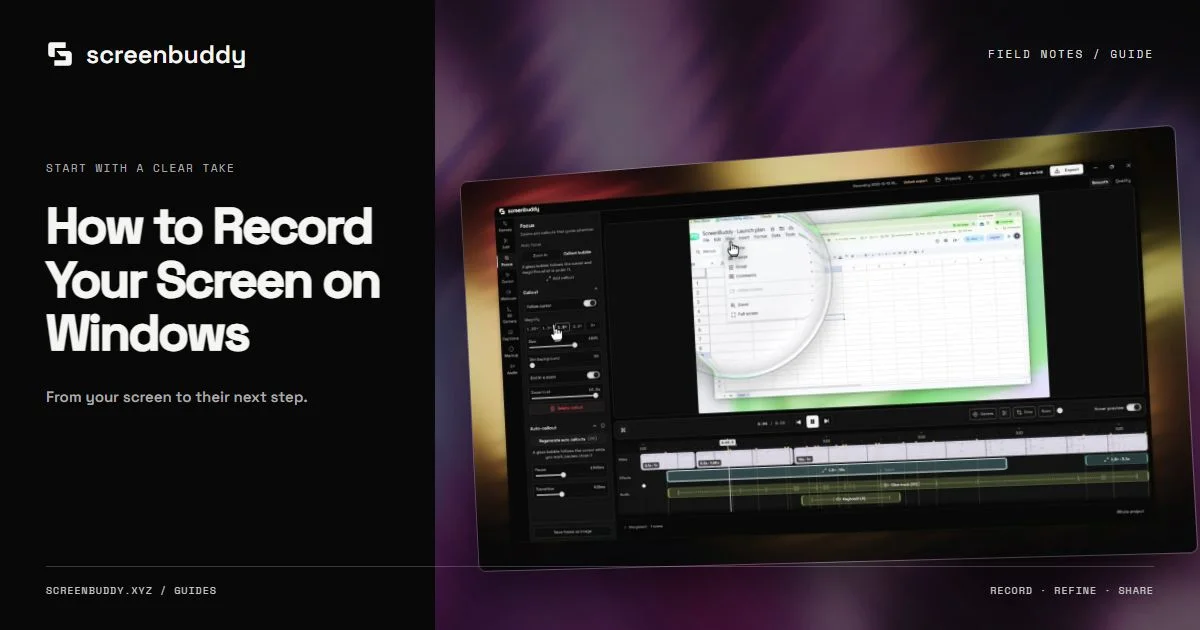
How to Record Your Screen on Windows
Record your Windows screen, window, or a selected area. Check audio, use the recorder HUD, edit zoom and captions, then export a clear tutorial or demo video.
Read the guidePractical guides for Windows and Mac. Record clearly. Edit with purpose. Share something worth watching.
42 guides
Record your Windows screen, window, or a selected area. Check audio, use the recorder HUD, edit zoom and captions, then export a clear tutorial or demo video.
Read the guide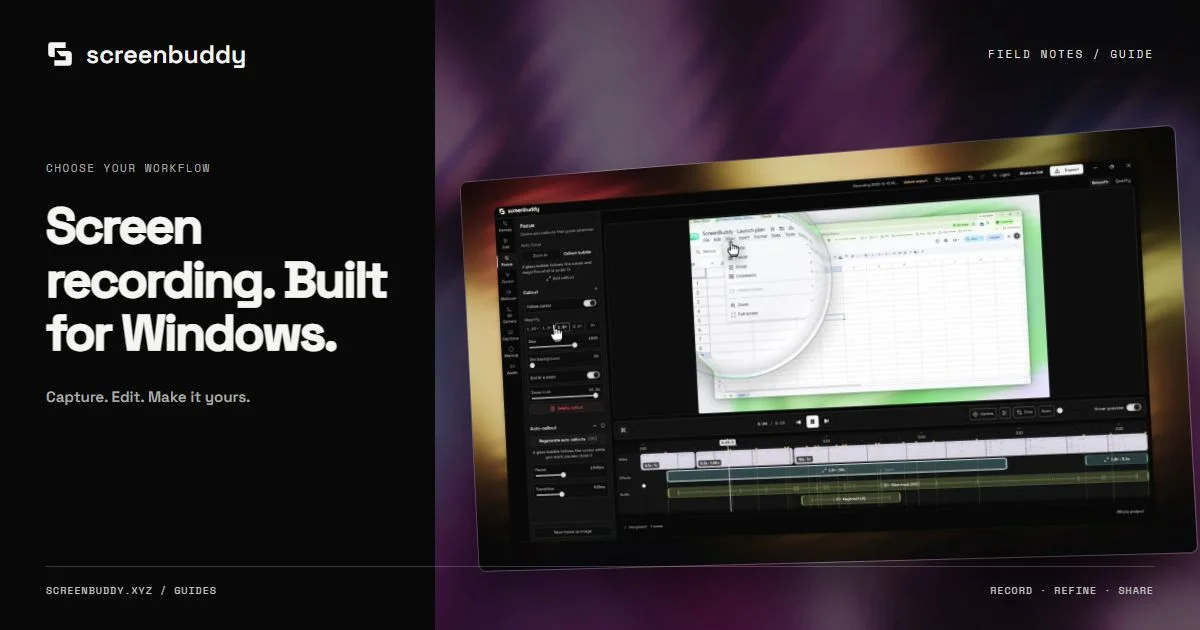
Choose a Windows screen recorder for your actual task: built-in capture, OBS streaming, or ScreenBuddy editing with zoom, captions, and local MP4 or GIF export.
Read the guide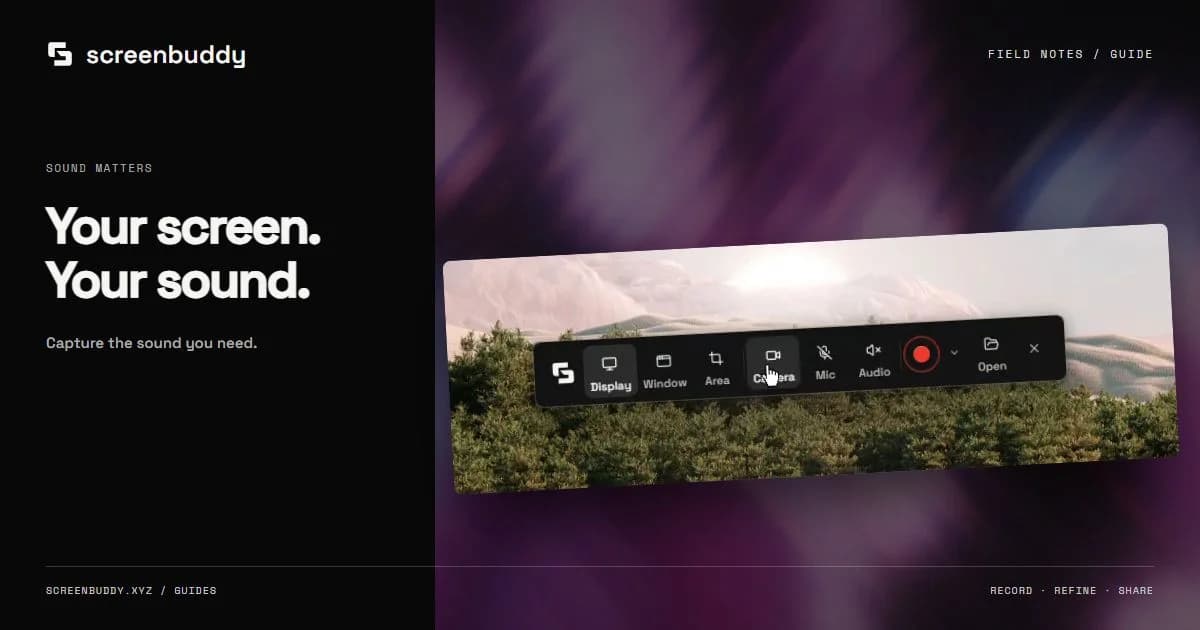
Record a Windows app with microphone narration and supported system sound. Test capture sources, avoid echo, balance audio, and export a video you can verify.
Read the guide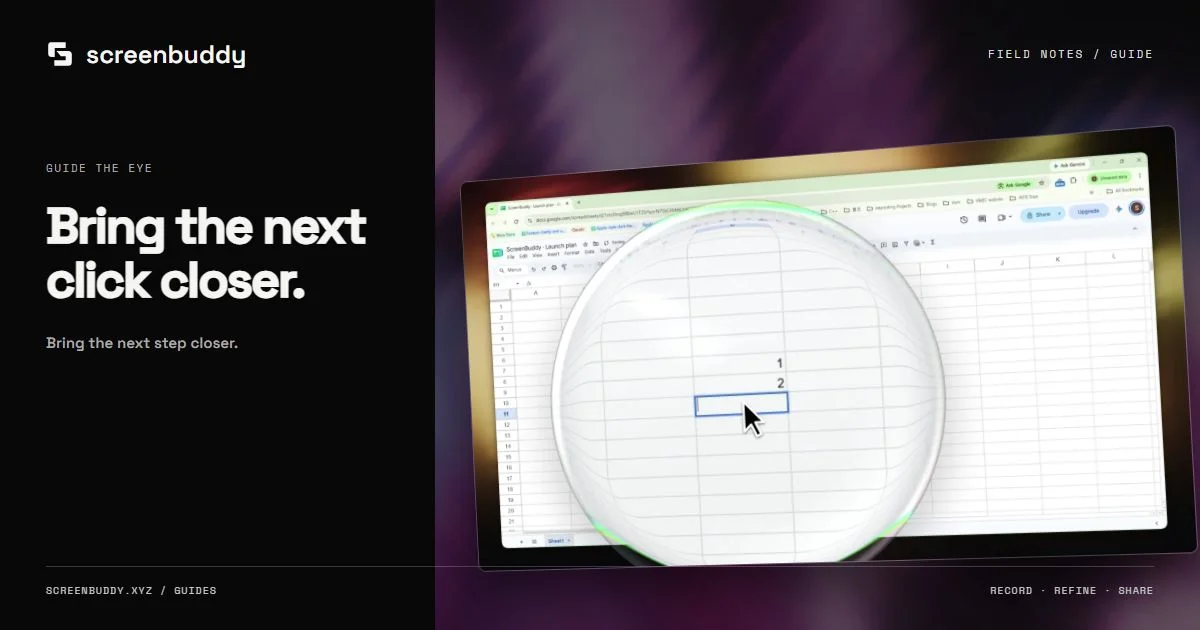
Use automatic zoom and cursor callouts to make Windows recordings readable. Adjust timing, preserve context, and review Focus controls in the 1.8.0 release.
Read the guide
Keep Windows screen recordings sharp from capture to export. Choose readable framing, match output size and frame rate, and understand 1.8.0 4K capture limits.
Read the guide
Make a Windows tutorial from one real task. Prepare sample data, record without a webcam, edit focus and captions, then verify the exported video and audio.
Read the guide
Plan a product launch video from a real recording: one promise, a safe sample account, clear focus, reviewed captions, and a readable website or launch export.
Read the guide
Compare recorded and generated product demos by evidence, accuracy, and production needs. Use real footage for shipped workflows and label conceptual visuals.
Read the guide
Compare Screen Studio and Loom for polished Mac recordings, quick video messages, sharing, and team feedback. Choose the workflow that fits your next recording.
Read the guide
Compare Loom and OBS for hosted video links, live streaming, local capture, audio, and editing. Choose the workflow that fits your team and publishing needs.
Read the guide
Compare OBS and Camtasia for free screen capture, live streaming, course editing, and local demos. Choose a recording workflow around the video you need.
Read the guide
Compare Camtasia and ScreenFlow for tutorials, timeline editing, and platform support. Choose a recorder by your computer and the lesson you want to teach.
Read the guide
Compare Camtasia and Snagit for recording tutorials, editing video, and documenting a screen. Choose by your deliverable, editing needs, and review workflow.
Read the guide
Record a selected area on Mac with Shift-Command-5 or QuickTime. Follow the steps, find a missing file, fix microphone settings, and keep the result readable.
Read the guide
Compare ways to record Mac system audio with native capture, virtual audio devices, and desktop recorders. Check permissions and audio sources before a take.
Read the guide
Edit a Mac screen recording with QuickTime trimming or ScreenBuddy focus, captions, and privacy covers. Follow current controls and verify the exported video.
Read the guide
This record-and-edit roundup is for capture plus post-production in one app. Compare attention effects, editing depth, privacy, and Mac or Windows support.
Read the guide
Screen record on Mac with microphone and system audio. Compare current Screenshot options, OBS, BlackHole, and ScreenBuddy, then test your audio sources.
Read the guide
Compare Screen Studio alternatives for Windows and Mac by recording, editable zoom, captions, local export, and optional sharing. Choose for your actual task.
Read the guide
Compare Snagit alternatives for screenshots, short clips, and polished software tutorials. Choose tools by capture, editing, annotation, and sharing needs.
Read the guide
Need more than QuickTime capture and trimming? Compare Mac recording workflows for editable zoom, clear cursor movement, captions, backgrounds, and MP4 export.
Read the guide
Convert a WebM screen recording to MP4 with trusted desktop and command-line tools, without uploading private video to a conversion service you cannot vet.
Read the guide
Frame a Windows screen recording with a quiet background, padding, and the right aspect ratio. Use 1.8.0 Canvas settings and check portrait crops before export.
Read the guide
Draw attention and protect private details in Windows screen recordings. Use the 1.8.0 Markup pen, blur, or solid cover, then inspect each exported video frame.
Read the guide
Compare Mac screen recorders by capture, audio, editing, and delivery. Explore built-in tools, ScreenFlow and CleanShot alternatives, and ScreenBuddy on Mac.
Read the guide
What actually separates the macOS capture shortcut, QuickTime, browser recording, and dedicated apps, so you pick once instead of re-deciding every recording.
Read the guide
Compare Loom alternatives for screen recording, tutorials, and support videos. ScreenBuddy edits locally on Windows and Mac, with local MP4 and GIF export.
Read the guide
Compare Camtasia alternatives for screen recording and editing on Windows and Mac. Match captions, zoom, audio, and local export to your everyday workflow.
Read the guide
Compare OBS alternatives on Windows and Mac for editing after capture: zoom, cursor callouts, pen markup, captions, and MP4 or GIF export on your own computer.
Read the guide
Turn a software walkthrough into a product demo: one outcome, the dead time cut, intentional zooms on the moments that prove it, and a web-ready local export.
Read the guide
Create SaaS screen recordings for product demos, onboarding, and support. Plan one workflow, add captions and focus effects, then publish a useful local file.
Read the guide
Step-by-step SaaS onboarding video workflow: milestones, clip length, captions, and local MP4/GIF export. Pairs with our SaaS recorder guide for tool choice.
Read the guide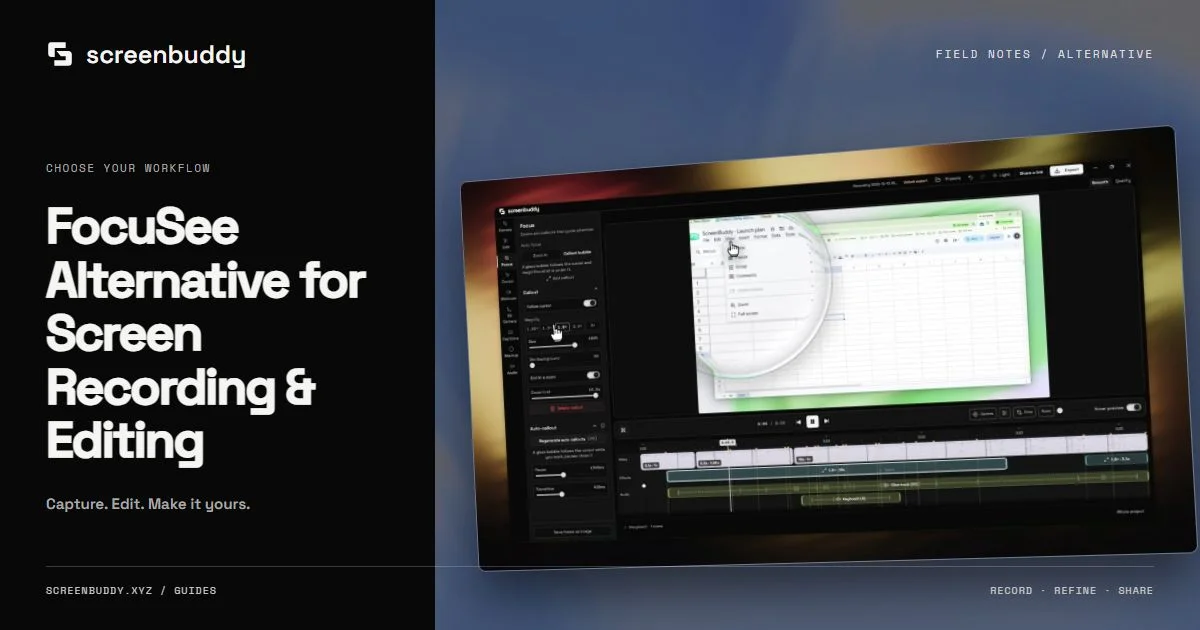
Compare FocuSee with ScreenBuddy for Windows capture, editable zoom, cursor callouts, canvas framing, and captions. Check export terms and release availability.
Read the guide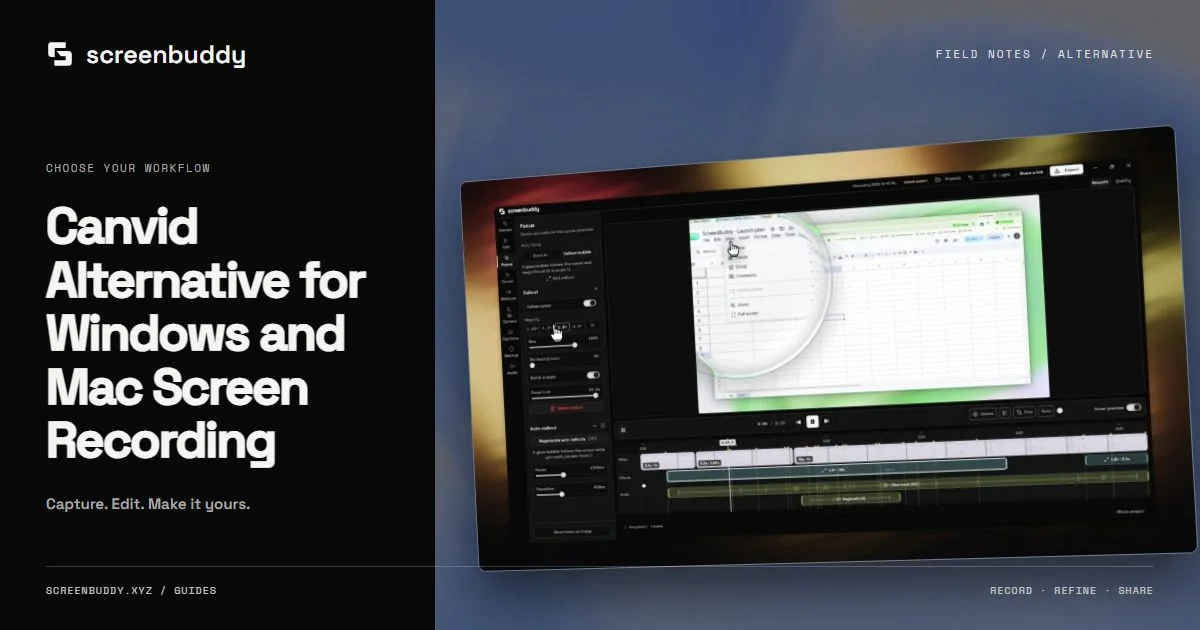
Compare Canvid and ScreenBuddy for Windows screen recording, editable zoom, cursor callouts, captions, and canvas framing. Test the workflow on your own PC.
Read the guide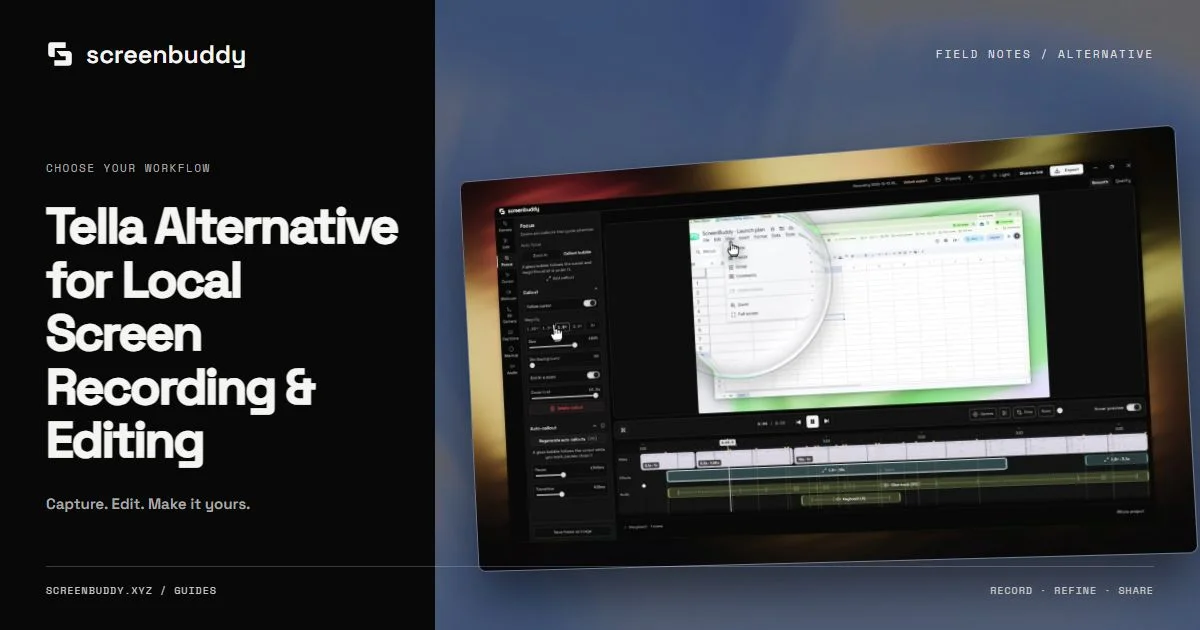
Tella records and edits in the browser. Compare it with a desktop workflow that keeps media on your machine and gives you a timeline for zoom and framing.
Read the guide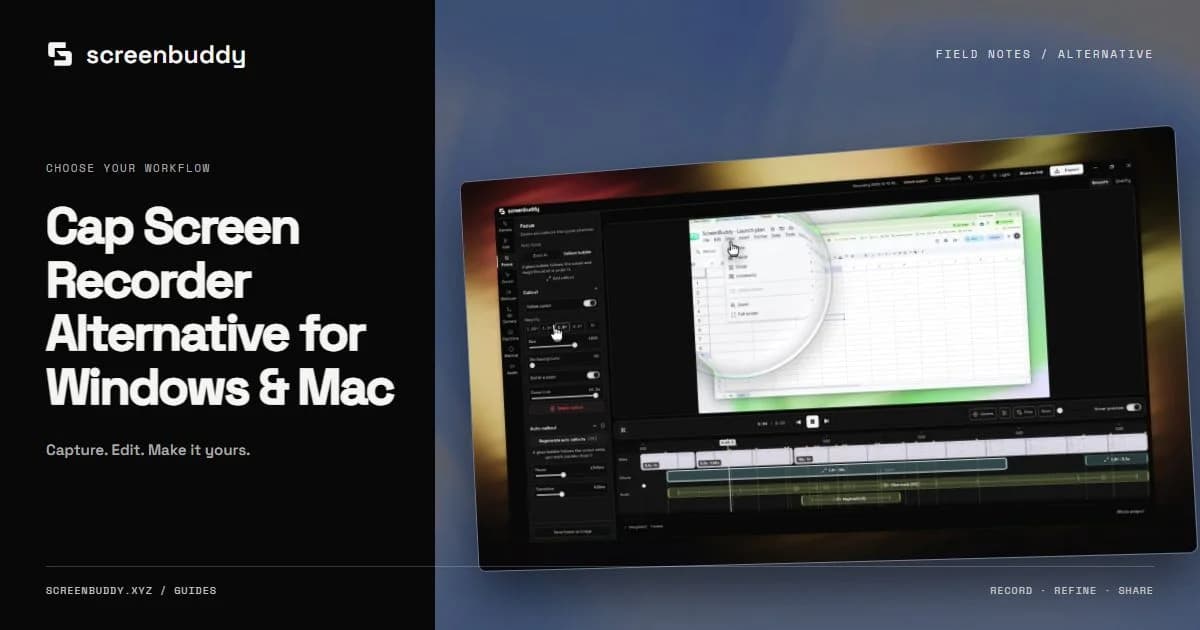
Compare Cap and ScreenBuddy for Windows and Mac recording, editable zoom, captions, local exports, and optional unlisted sharing. Check the complete workflow.
Read the guide
Compare Screen Charm and ScreenBuddy for Windows or Mac screen recording, editable zoom, cursor effects, and local MP4 or GIF export for tutorials and support.
Read the guide
Compare Descript with ScreenBuddy for software tutorials: transcript editing versus screen capture, editable zoom, local captions, and MP4 or GIF delivery.
Read the guide
Convert common and NTSC frame rates to milliseconds per frame, then follow a tested 60-to-30 fps calculator workflow to compare frame counts and clip length.
Read the guide
When automatic zoom helps a Mac screen recording, how to keep it from becoming camera churn, and when setting the keyframes yourself gives a clearer result.
Read the guide
GitHub README GIF from a free browser tool with no upload. Record one developer workflow, keep the loop small, and add it to GitHub with readable alt text.
Read the guide
Choose a screen recorder for educators on Mac. Plan clear lessons, record audio, review captions, and publish reusable tutorials with this practical guide.
Read the guideCatalog updated Oct 14, 2026