
Follow the cursor, explore the editor, and see how a recording takes shape. Watch zoom, callout bubbles, 3D camera controls, and the Windows workflow.
Free download, no card. Export free with a watermark; subscribe to remove it.
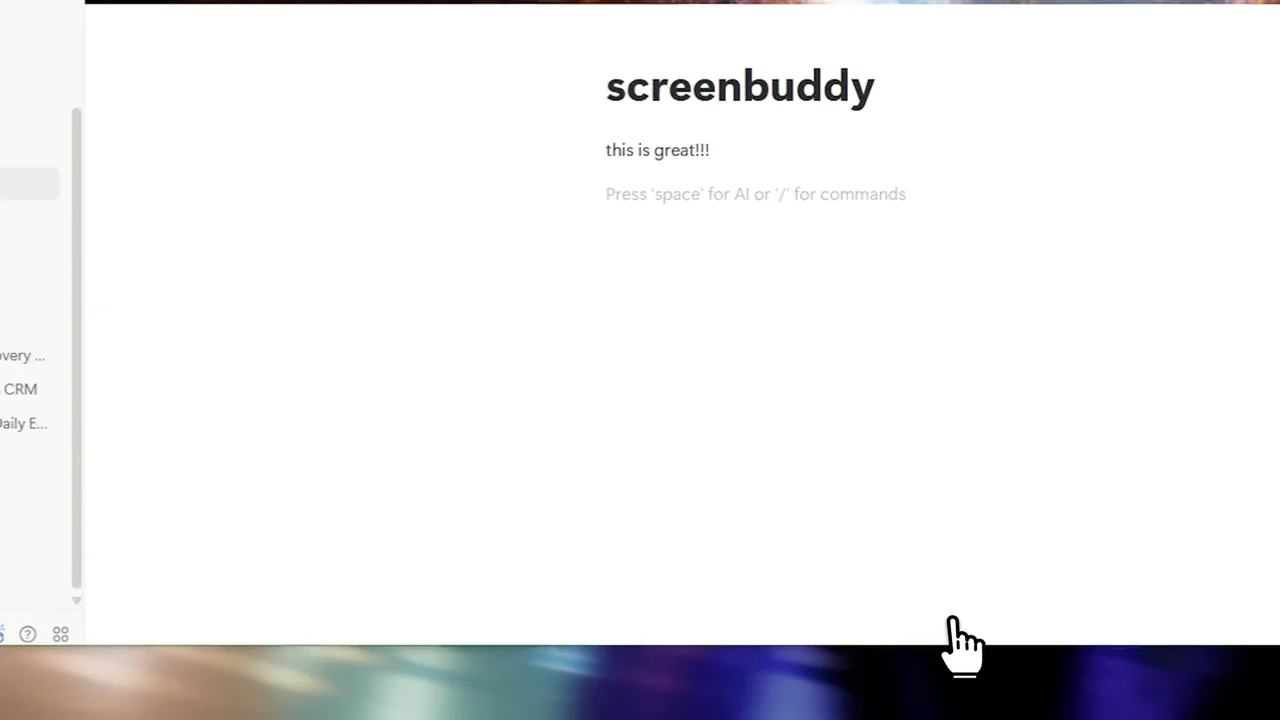

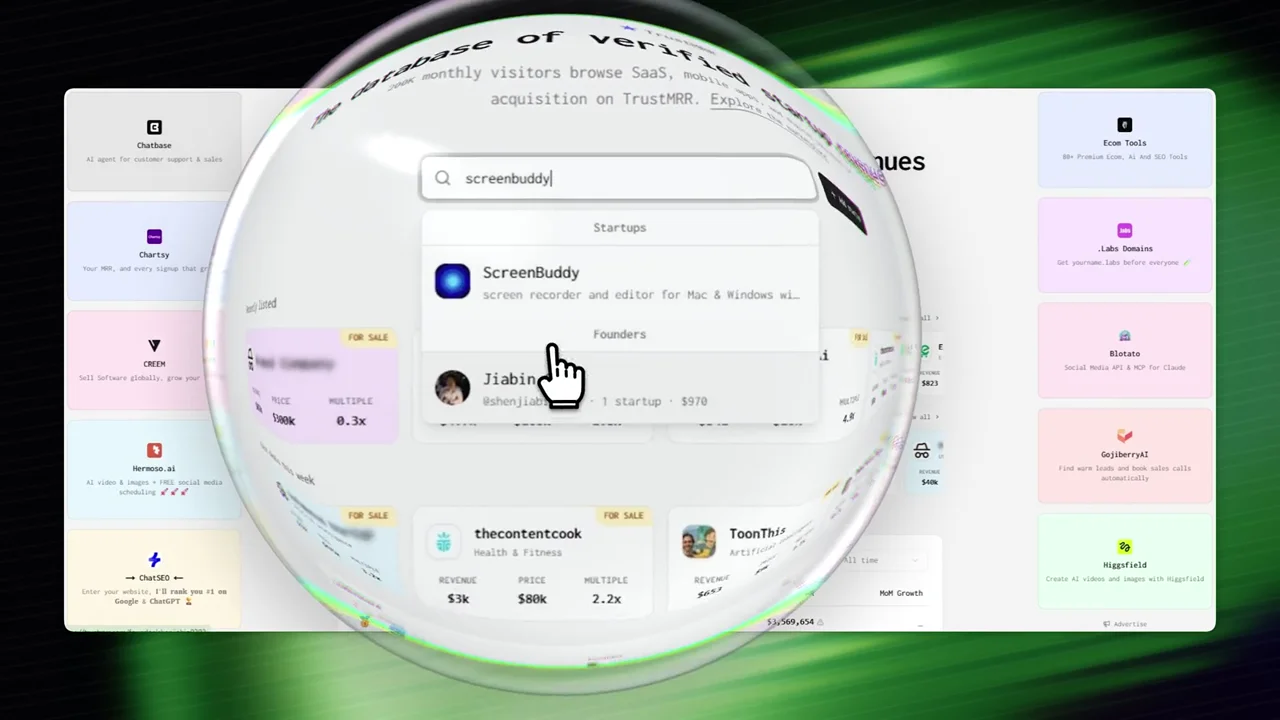

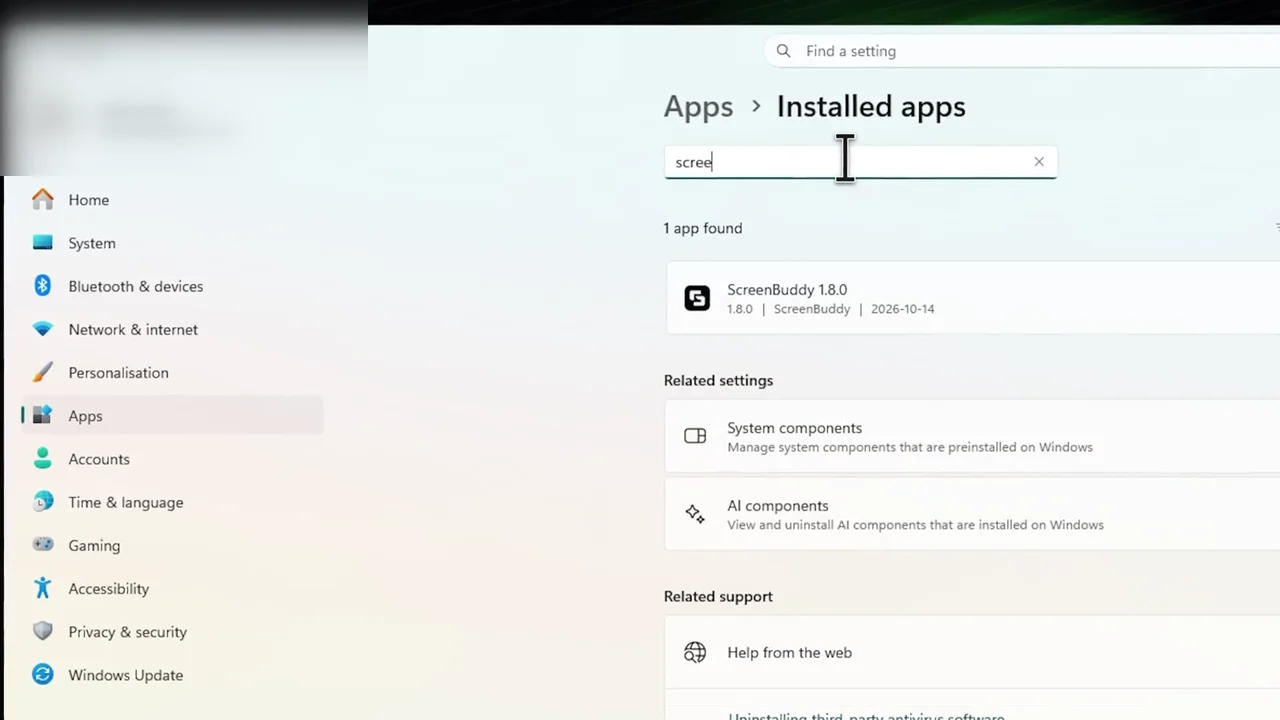


Explore cursor focus, camera movement, recording controls, and editing during export.
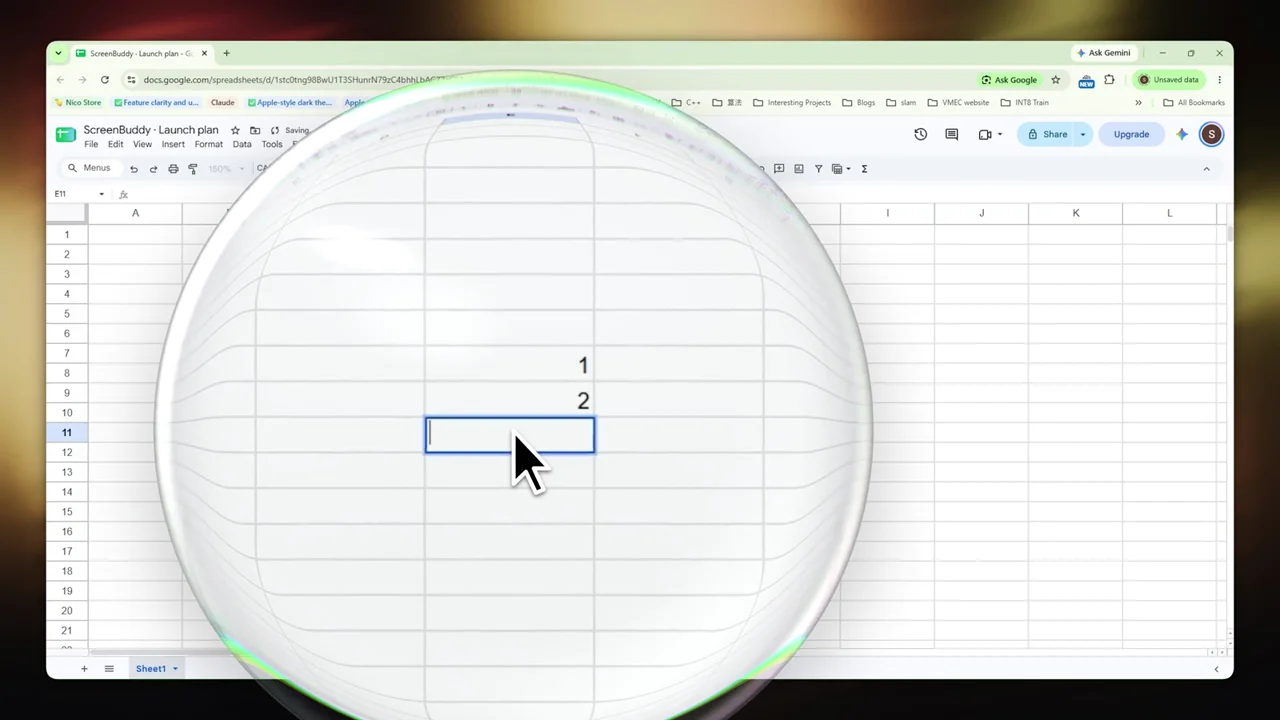
A callout bubble magnifies the cursor area during a Google Sheets recording.
Adjust the 3D camera controls and preview perspective changes on the recording.
Start an export, return to the editor, and keep adjusting the canvas while rendering continues.
A quick tour of display, window, area, camera, microphone, audio, and recording controls.
Your screen, a window, or an area. Add the audio you need.
See the recorder →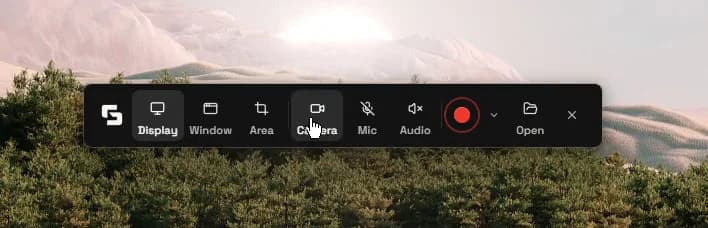
Trim the pauses. Tune the zoom. Find your finish.
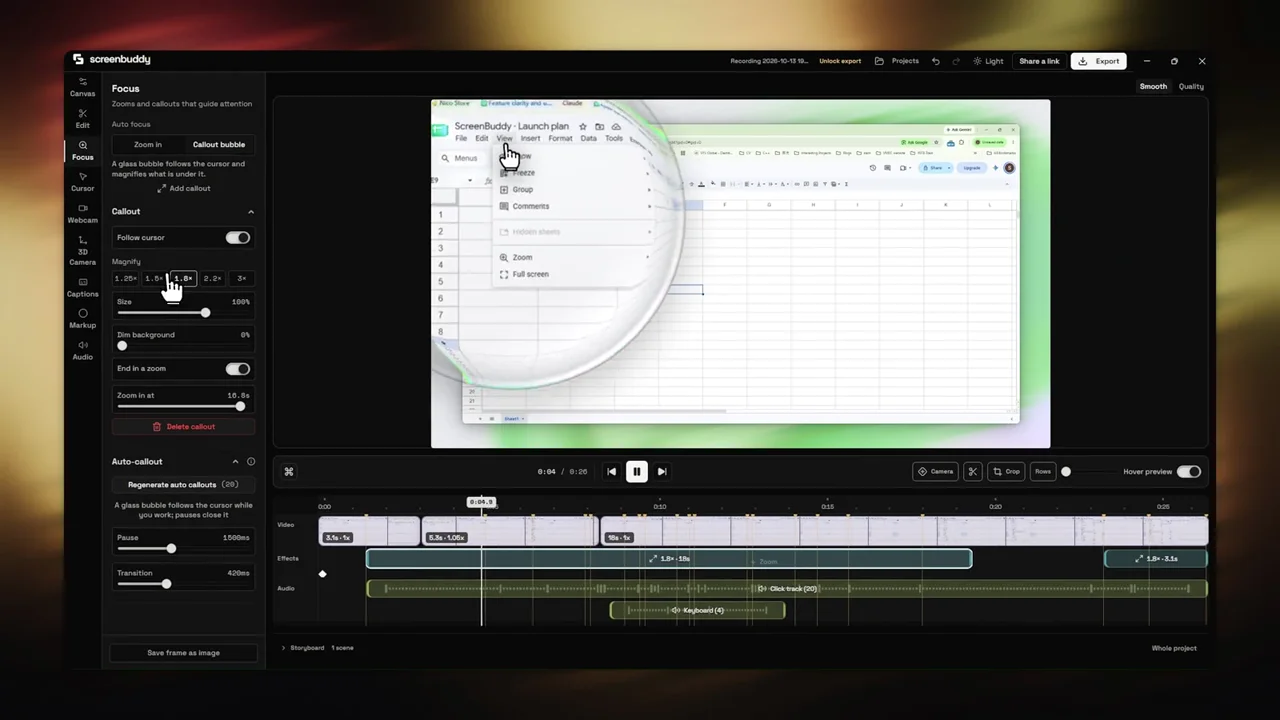
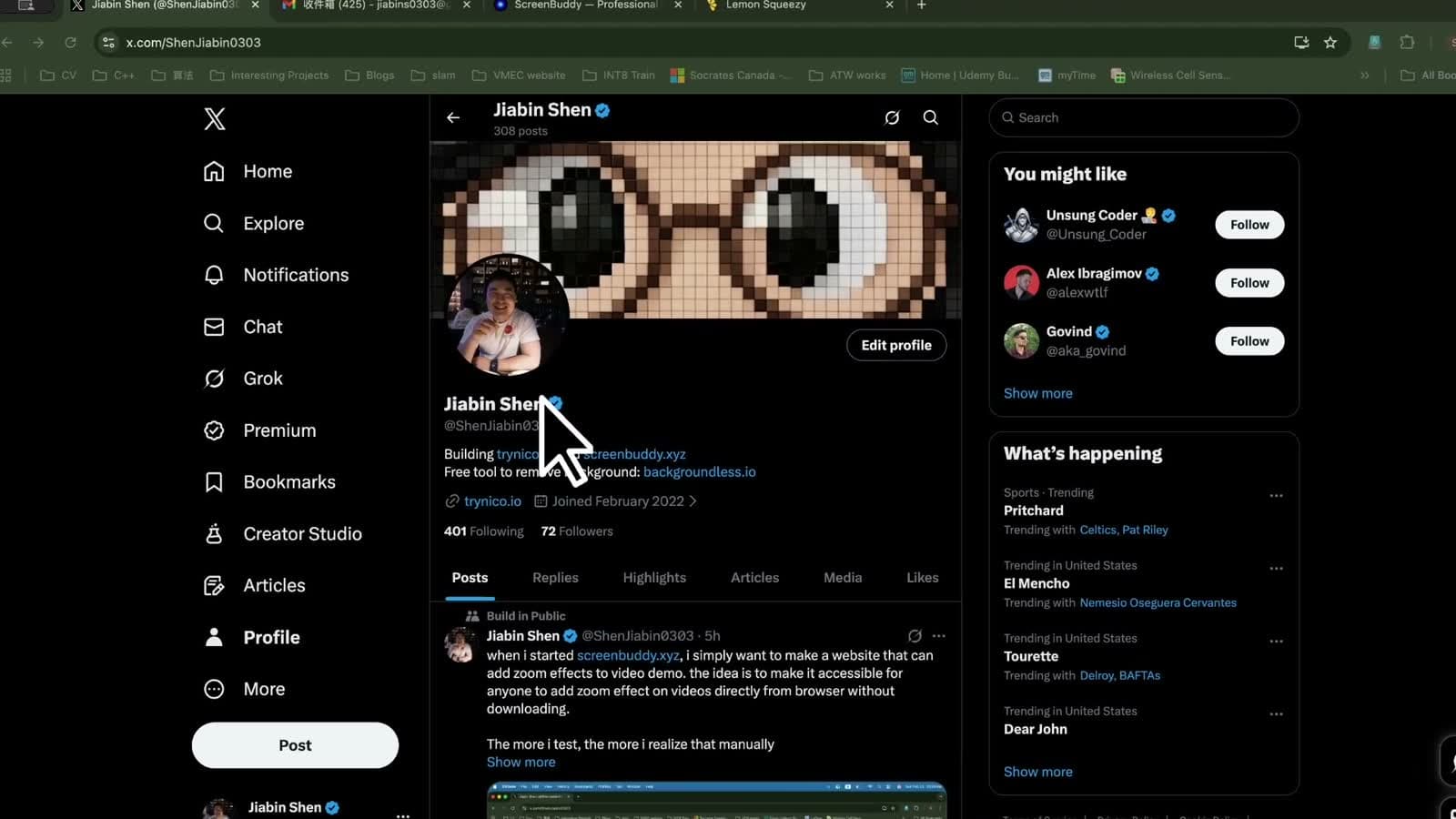
Earlier finished recordings showing zoom, cursor sizing, and lightbox focus. The effects remain useful; these clips are labeled separately from the current Windows footage.
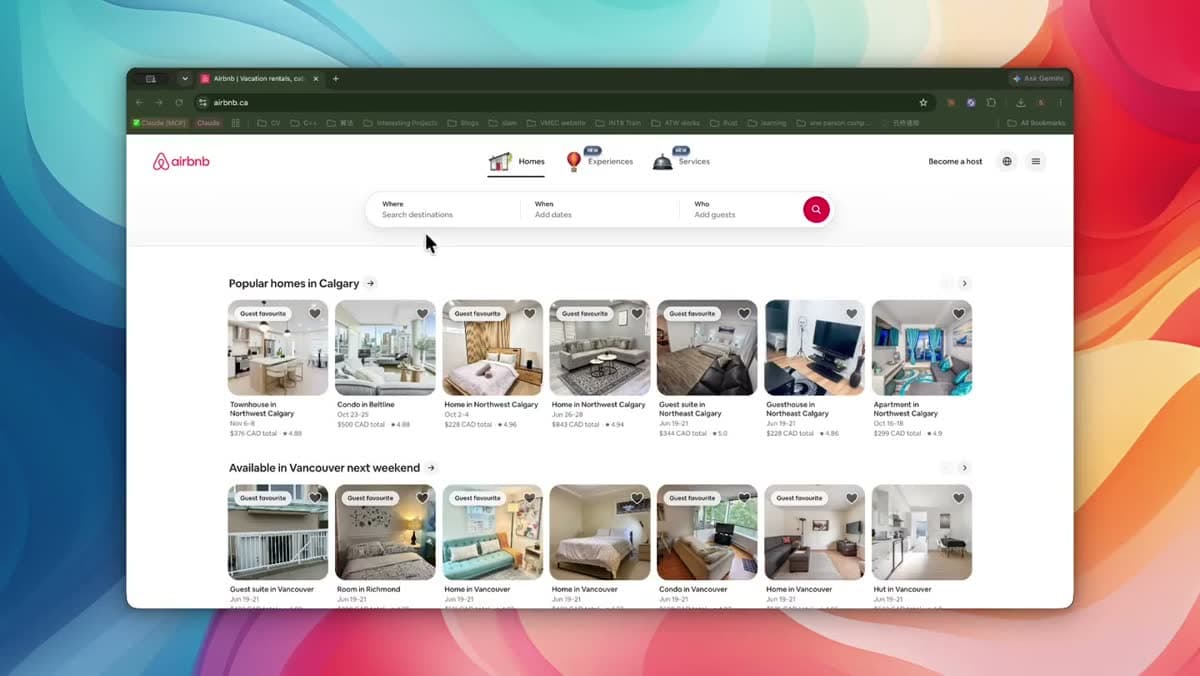
A recorded app walkthrough with zoom and focus effects applied in ScreenBuddy.
Recorded on an earlier build. Retained as a visual reference; current Windows editor and capture walkthroughs appear above.
An earlier screen recording with an enlarged cursor that remains visible through zoom changes.
Recorded on an earlier build. Retained as a visual reference; current Windows editor and capture walkthroughs appear above.
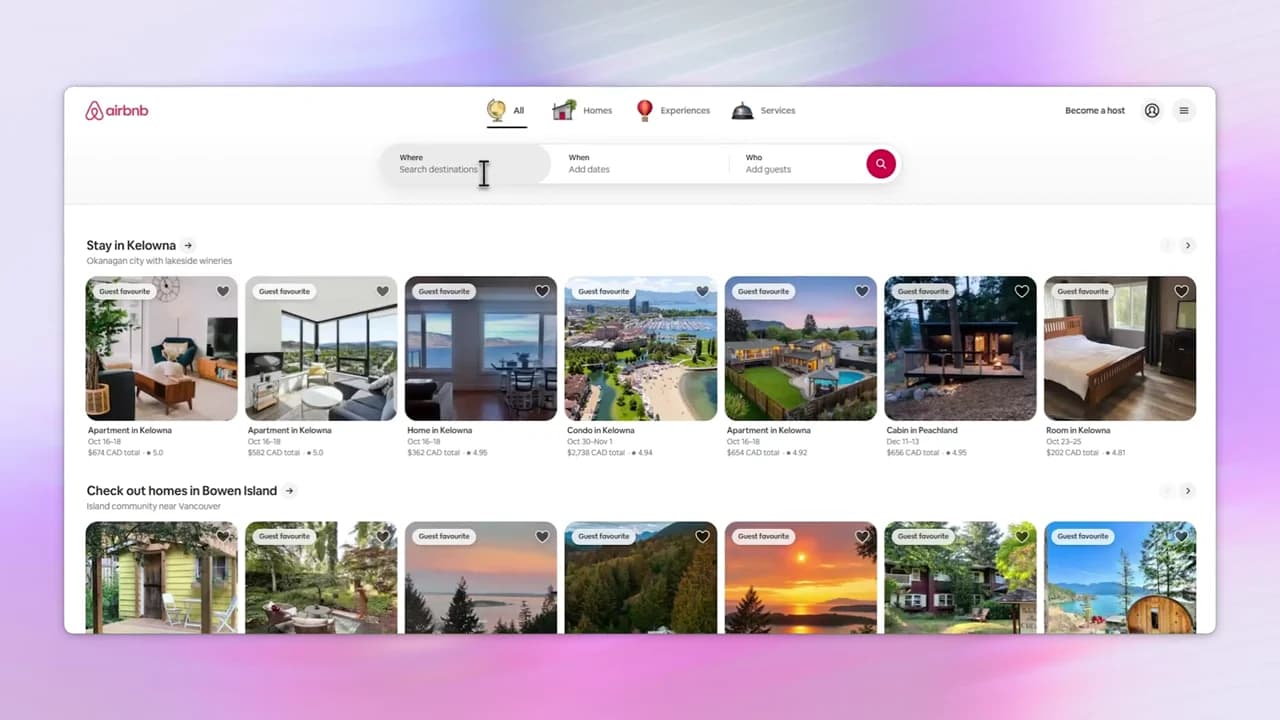
An earlier export highlighting a selected part of the recorded interface while dimming the surrounding area.
Recorded on an earlier build. Retained as a visual reference; current Windows editor and capture walkthroughs appear above.