ScreenBuddy
Download

Best Screen Studio Alternative 2026

JS
Updated Jun 29, 2026 · 10 min read
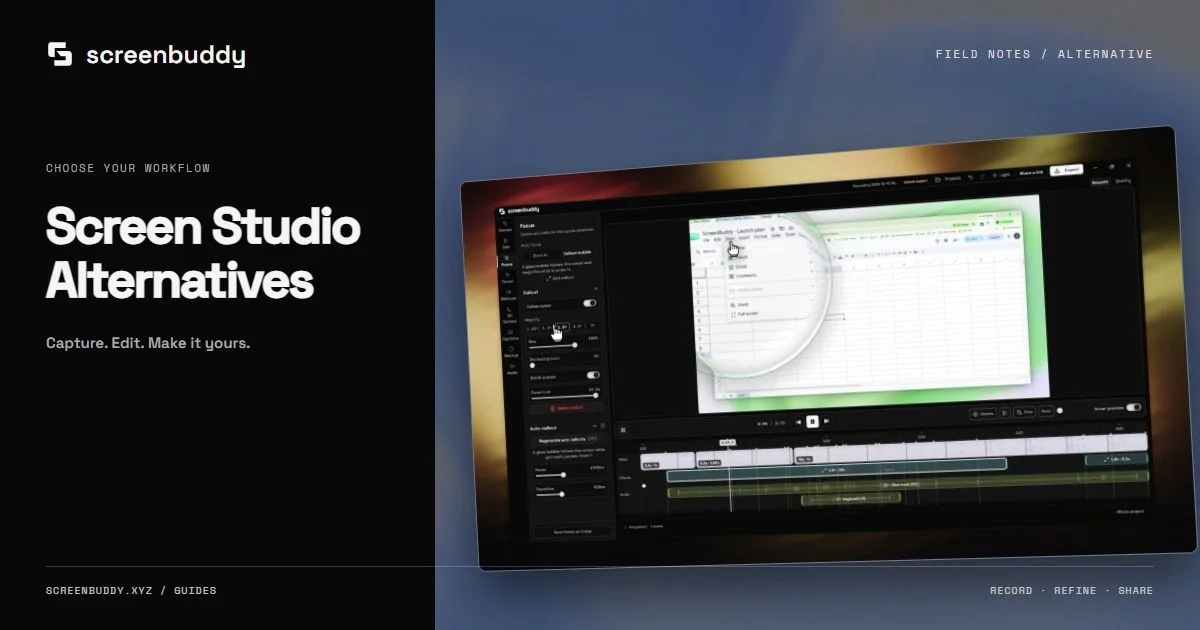
ScreenBuddy vs Screen Studio comparison for macOS screen recording with auto-zoom

TL;DR: Screen Studio now emphasizes subscription pricing at $29/month or $108/year. ScreenBuddy stays at $29.99 one-time with auto-zoom, 18 gradient backgrounds, annotations, and GIF export. Both are macOS screen recorders with auto-zoom, but they take different approaches to editing and pricing. ScreenBuddy 1.5.0 also adds an Instant mode that bakes auto-zoom, smooth cursor, and backgrounds into the recording live.

Choose Screen Studio if you want fully automated camera animations with cursor smoothing. Choose ScreenBuddy if you want affordable auto-zoom with editing tools like backgrounds, annotations, and GIF export.

Screen Studio and ScreenBuddy both offer auto-zoom for Mac screen recordings, but they take different approaches to pricing, editing, and workflow. Screen Studio automates camera movements for polished marketing videos. ScreenBuddy gives you manual control over zoom keyframes plus editing tools like annotations, gradient backgrounds, and GIF export at a fraction of the cost.

Screen Studio earned its reputation with polished auto-zoom animations. But the pricing changed significantly in 2025, moving from the original flat license toward $29/month or $108/year subscription pricing. That shift has a lot of creators asking: is there something comparable for less?

Key Takeaways

  • Screen Studio costs $29/mo or $108/yr. ScreenBuddy costs $29.99 once.
  • Both offer macOS-native auto-zoom. Screen Studio automates camera movements; ScreenBuddy uses click-based zoom + manual keyframes (1.25x to 5x).
  • ScreenBuddy adds 18+ gradient backgrounds, text/arrow/image annotations, and GIF export that Screen Studio doesn't include.
  • Screen Studio excels at cursor smoothing and automated motion design for polished marketing videos.
  • The right tool depends on your workflow: automated polish vs. manual editing flexibility at a lower price.

Why Creators Are Looking for Screen Studio Alternatives

Screen Studio's pricing restructure is the primary reason. When it launched, a single $89 license felt reasonable. The current public pricing centers on $29/month or $108/year. For freelancers, educators, and developers who record a few tutorials per month, that recurring cost can be hard to justify. Atlassian's $975 million acquisition of Loom in 2023 showed how valuable the screen recording category has become (TechCrunch, 2023), but that value hasn't always translated into affordable tools for individual creators.

Subscription Pricing

Screen Studio moved from a flat $89 license to $29/month or $108/year public subscription pricing. Many solo creators prefer paying once.

Recurring Tool Budget

The annual plan is cheaper than monthly billing, but it is still a recurring line item. Over two years, Screen Studio annual billing totals $216.

No Built-in Annotations

Screen Studio focuses on zoom and motion. It doesn't include text overlays, arrows, or image annotations, so tutorial creators often need a second editing tool.

Limited Background Options

Screen Studio offers some background wallpapers, but the selection is smaller than tools built specifically for polished demo videos with gradient and color backgrounds.

Automation Over Control

Screen Studio's auto-zoom is fully automated. That's great for speed, but creators who want precise control over zoom timing and levels sometimes find it restrictive.

Single-Purpose Scope

Screen Studio does zoom and motion beautifully. If you also need trim, crop, background replacement, and annotation tools, you'll need additional software.

ScreenBuddy vs Screen Studio: Side-by-Side Comparison

Here's how the two tools compare across pricing, features, and export options. Green indicates where each tool has an advantage or parity. Screen Studio wins on automated motion design; ScreenBuddy wins on price, editing tools, and export flexibility.

FeatureScreenBuddyScreen Studio
Price$29.99 one-time$29/mo or $108/yr
Pricing ModelFree foreverRecurring subscription
Auto-ZoomClick-based auto-zoomAutomated camera movements
Manual ZoomTimeline keyframes 1.25x-5xManual override available
Cursor SmoothingNot availableAutomatic cursor smoothing
Backgrounds18+ gradient wallpapersBasic background options
AnnotationsText, arrows, imagesNot available
GIF ExportBuilt-inBuilt-in
MP4 ExportBuilt-inBuilt-in
Webcam OverlayWebcam recordingWebcam with Studio Light
Motion DesignBasic animationsAdvanced motion design
PlatformmacOS nativemacOS native (12.0+)
Devices per LicenseUnlimited personal MacsUp to 3 personal Macs

Detailed Feature Comparison

Auto-Zoom and Motion

This is where the two tools differ most. Screen Studio tracks your cursor in real time and generates smooth, cinematic zoom animations automatically. It also applies cursor smoothing, turning jerky mouse movements into fluid glides. You record, and Screen Studio handles the rest. It's fast, and the results look polished out of the box.

ScreenBuddy takes a different path. Its click-based auto-zoom follows your mouse clicks, zooming into the area you clicked. You can also drop manual zoom keyframes on the timeline, picking levels from 1.25x up to 5x at exact timestamps. Want to hold a tight 3x zoom for five seconds, then pull back? You can do that with precision.

Which is better? If you value speed and automation, Screen Studio is genuinely excellent. If you want fine-grained control over when zooms happen and how intense they are, ScreenBuddy gives you that timeline-level precision. Neither approach is wrong; they serve different workflows.

Editing and Customization

Viewer understanding often comes from annotations, callouts, and visual context, not just zoom effects. Does your audience need arrows pointing at the right button? Text labels explaining a workflow step? Background context that separates the recording from the desktop clutter?

Screen Studio focuses on motion. It does zoom, panning, and camera movement. It offers some background wallpapers and webcam overlay with a Studio Light effect. But it doesn't include text annotations, arrow overlays, or image inserts. If you need those, you're adding a second tool to your pipeline.

ScreenBuddy bundles 18+ gradient backgrounds with adjustable padding and corner radius, text annotations with 100+ Google Fonts, image overlays, and arrow tools. For tutorial creators and documentation teams, that means fewer tools and a faster publish cycle. You record, edit, annotate, and export from one app.

Pricing Breakdown

Screen Studio offers subscription pricing in 2026. The monthly plan runs $29/month with no commitment. The annual plan drops to $9/month, billed as $108/year. Students and educators with .edu emails get a discount. Screen Studio's public page also notes what happens to older one-time licenses, but new buyers should plan around the monthly or yearly subscription.

ScreenBuddy is $29.99. Once. That's all features included: auto-zoom, backgrounds, annotations, GIF and MP4 export. No subscription, no renewal fees, no update charges. Over two years, that's $29.99 total compared to $216 on Screen Studio's annual plan or $696 on monthly billing.

2-Year Cost Comparison

ScreenBuddy (one-time)$29.99
Screen Studio (annual plan)$216
Screen Studio (monthly, 2 years)$696
Screen Studio (monthly, 1 year)$348

Screen Studio pricing from screen.studio, retrieved June 2026.

For teams and professionals who record daily and need automated motion design, Screen Studio's pricing can make sense. For everyone else, that's a lot of budget for a screen recorder. ScreenBuddy's one-time pricing removes the "am I getting enough value this month?" question entirely.

Export and Sharing

Both tools export to MP4 and GIF. For most creators, those two formats cover every distribution channel: MP4 for YouTube, social media, and presentations; GIF for GitHub READMEs, Slack messages, and documentation wikis. Screen Studio also supports background music and has a Studio Light effect for webcam footage. ScreenBuddy gives you more control over export settings alongside its broader editing toolkit.

Why Screen Recording Tools Matter More Than Ever

Three forces are driving demand for better screen recording tools: hybrid work making async video essential, AI features lowering editing skill barriers, and platform consolidation like Atlassian's $975 million Loom acquisition (TechCrunch, 2023).

The result is more creators making screen recordings than ever before, and higher viewer expectations for polish. Raw screen captures without zoom effects or clean backgrounds no longer hold attention the way they did three years ago.

What does that mean for choosing between Screen Studio and ScreenBuddy? It means the decision isn't whether to use a screen recorder. It's which one fits your workflow and budget. Both tools can produce professional-quality recordings. The question is how much automation you need versus how much editing flexibility and cost savings matter to you.

Which Should You Choose?

Screen Studio is the better fit if:

  • You want fully automated camera movements with zero manual editing
  • Cursor smoothing matters for polished marketing videos
  • You don't need annotation tools or extensive background options
  • You record daily and the $108/year annual plan fits your budget
  • Studio Light webcam enhancement is important for your content

Best for: Marketing teams, social media creators, SaaS demo producers

ScreenBuddy is the better fit if:

  • You want auto-zoom plus editing tools for a one-time $29.99
  • You need text annotations, arrows, and image overlays in your recordings
  • 18+ gradient backgrounds would save you from using a separate design tool
  • You prefer precise timeline control over zoom timing and intensity
  • You create tutorials, documentation, or educational content

Best for: Developers, educators, freelancers, technical writers, content creators

Frequently Asked Questions

What is the best affordable alternative to Screen Studio in 2026?

ScreenBuddy is the most affordable Screen Studio alternative at $29.99 one-time. Screen Studio charges $29/month or $108/year. Both apps offer auto-zoom for macOS screen recordings, but ScreenBuddy also includes 18+ gradient backgrounds, annotation tools, and GIF export.

How much does Screen Studio cost in 2026?

Screen Studio costs $29/month or $108/year when billed annually at $9/month. Screen Studio previously offered one-time licenses, but the current public pricing emphasizes monthly and yearly subscription plans.

Does ScreenBuddy have auto-zoom like Screen Studio?

Yes. ScreenBuddy offers click-based auto-zoom that automatically zooms into areas where you click, plus manual timeline-based zoom keyframes with levels from 1.25x to 5x. Screen Studio uses fully automated camera movements with cursor tracking and cursor smoothing. ScreenBuddy gives more manual control; Screen Studio is more automated.

Is Screen Studio worth the subscription price?

It depends on your usage. Screen Studio is excellent for creators who record daily and need fully automated motion design with cursor smoothing. For occasional use or budget-conscious creators, ScreenBuddy offers auto-zoom plus editing features like backgrounds, annotations, and GIF export for $29.99 one-time.

Can ScreenBuddy export GIFs?

Yes. ScreenBuddy can export recordings as both MP4 and GIF. GIF export is useful for sharing quick demos on GitHub READMEs, Slack messages, documentation wikis, and support tickets where embedded video isn't supported.

Which has better zoom effects?

Screen Studio offers more automated zoom with smooth cursor-following camera movements and built-in cursor smoothing. ScreenBuddy provides click-based auto-zoom plus manual timeline keyframes from 1.25x to 5x, giving more granular control over zoom timing and intensity. The choice comes down to automation versus precision.

Related Articles

Try ScreenBuddy for $29.99

Auto-zoom, 18 gradient backgrounds, annotations, and GIF export. One-time purchase, no subscription.