
Screen Charm Alternative: Windows & Mac Screen Recorder
Compare Screen Charm and ScreenBuddy for Windows or Mac screen recording, editable zoom, cursor effects, and local MP4 or GIF export for tutorials and support.
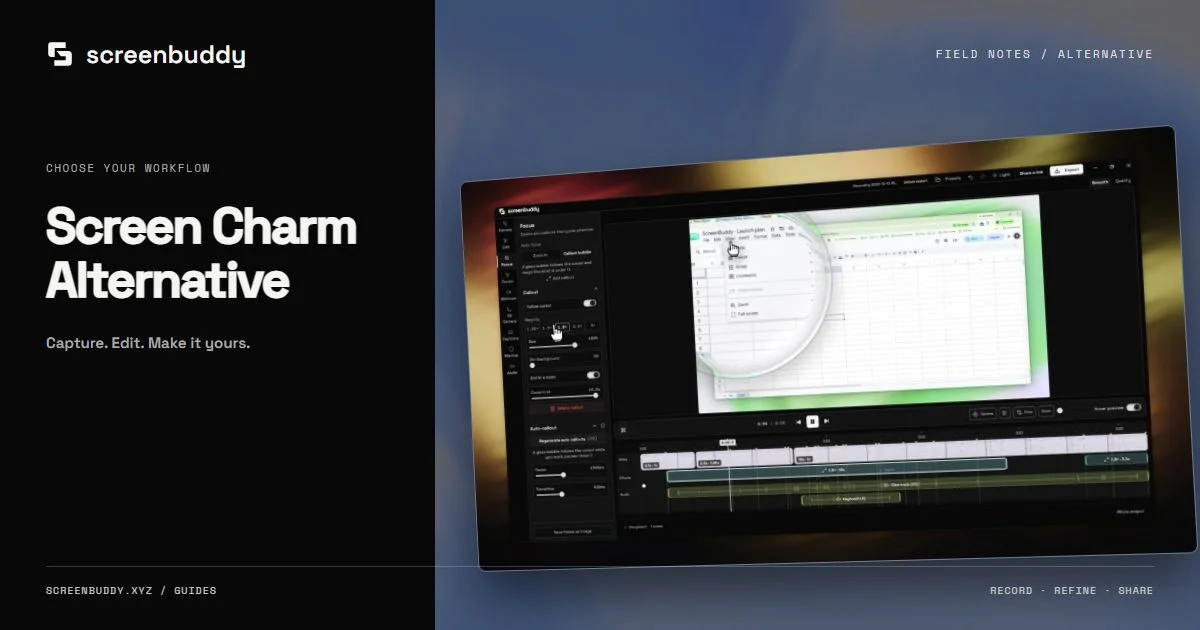
Quick answer
Screen Charm is a Mac screen recorder with automatic zoom, cursor effects, backgrounds, device frames, local MP4 export, and optional sharing. ScreenBuddy offers a Windows x64 build alongside Mac installers, with recording, editable zoom, annotations, captions, and local MP4/GIF export. Choose according to the machine and complete workflow you use.
Feature comparison
Snapshot as of . Competitor prices come from the official pages linked below; ScreenBuddy’s live offer is on this page.
| Feature | ScreenBuddy | Screen Charm |
|---|---|---|
| Platforms | Windows 10+ (64-bit) and macOS 12+ (Apple silicon) | macOS |
| Pricing snapshot | Free to export with watermark · subscription removes it (live price on this page) | See official pricing |
| Best for | Screen recordings, tutorials, lessons, and walkthroughs with cursor focus, pen markup, captions, and local MP4 or GIF export. | Mac users who want automatic screen-recording polish and a one-time purchase. |
| Tradeoff | Recording, editing, captions, and local export process media on your device. Subscription verification, sign-in, updates, and optional model downloads use the internet. Sharing uploads only the finished video you choose; editable projects stay on your computer. | Currently macOS only; there is no Windows build. |
Best for
- Windows or Mac users recording lessons, support clips, and documentation
- Comparing the complete capture, edit, and delivery workflow
Not the best fit for
- Live streaming or broadcast production
- Hosted video review, comments, or viewer analytics
Check the current platform requirements
Screen Charm’s official site describes a macOS app. ScreenBuddy also ships on Windows. Check Screen Charm’s current download requirements for your Mac model and operating-system version.
Compare the recording and correction pass
Use the same small-control task in both apps. Inspect automatic zoom, the amount of correction needed, cursor readability, and the output at the final player size. ScreenBuddy’s click-driven regions can be moved, retimed, or deleted; evaluate the peer’s current controls directly.
Choose a publishing path
Screen Charm advertises local MP4 output and optional shareable links. ScreenBuddy exports local MP4 and GIF files for your own publishing platform. If review links are required, include that service in the decision rather than comparing only the visual treatment.
Read the live license terms
Screen Charm describes a one-time offer; ScreenBuddy is free to record, edit and export with a watermark, and sells watermark-free exports and links as a subscription. Read each vendor’s current price, device allowance, update coverage, and refund terms. An old price in a comparison article is not a reliable purchase quote.
Check ScreenBuddy desktop requirements
ScreenBuddy ships a Windows x64 installer for Windows 10 or later, plus an Apple silicon Mac installer for macOS 12 or later. On Windows, editable cursor capture requires the Windows Graphics Capture path on Windows 10 version 2004, build 19041, or later. The fallback records the system cursor and disables replacement cursor effects. Test your own display and audio setup before a long recording.
Test narration and app sound
Record a short sample with narration and the app sounds you need, then listen to the saved file. ScreenBuddy can continue with a warning when requested system audio is unavailable, so confirm both sources before the full take.
Run a comparison on your own recording
On a supported Mac, compare a short take containing a menu, a scrolling region, and a result screen. Check the effort needed to correct focus, keep cursor motion readable, and produce the final MP4. If the person recording uses Windows, start with a Windows-capable app such as ScreenBuddy. Compare current purchase terms and sharing needs alongside the edit, since an attractive first preview is only part of the workflow.
Current competitor snapshot
Screen Charm · See official pricing
See official pricingMac screen recorder with automatic zoom, cursor effects, backgrounds, device frames, local MP4 export, and optional shareable links.
Best fit: Mac users who want automatic screen-recording polish and a one-time purchase. Tradeoff: Currently macOS only; there is no Windows build.
Platforms: macOS · Verified Oct 9, 2026
Frequently asked questions
Does ScreenBuddy work on Windows?
Yes. The current release includes a Windows x64 installer alongside an Apple silicon Mac installer. Editable cursor capture has a newer Windows native-capture requirement.
Can I evaluate ScreenBuddy before buying?
Record, edit and export free with a watermark. Subscribe to remove it and share links.
Does ScreenBuddy include hosted share links?
Unlisted sharing requires Google sign-in and an active subscription. Only the finished video you choose is uploaded. You can also publish a local MP4 or GIF through your own platform. Comments and viewer analytics are not provided.
Make your screen recording easier to follow.
Record, refine, and share from one app. Automatic zoom, cursor effects, and captions help make every step clear. Record, edit and export free with a watermark. Subscribe to remove it and share links.