Snagit Alternatives for Screen Recording and Editing
Snagit is built around screenshots and quick capture. Compare it with a demo editor for zoom keyframes, spotlight, annotations, and Mac or Windows export.
Quick answer
There is no single Snagit replacement, because Snagit sells two jobs in one app: screenshot capture with annotation, and a light screen-video recorder. Replace only the video half with ScreenBuddy when the deliverable is an edited software demo — zoom generated from your clicks and still editable afterward, spotlight and lightbox emphasis, framing, trim, and local MP4 or GIF export on Mac and Windows. Keep Snagit or another capture utility for scrolling capture, text recognition, step-numbered guides, and image markup, none of which ScreenBuddy does. When both halves come up every week, running two tools is cheaper than forcing either one to stretch.
Best for
- Teams whose deliverable is a launch clip, feature explanation, or walkthrough rather than a screenshot
- Mac and Windows creators who need zoom, spotlight, and framing decisions to stay editable after capture
- Sensitive demos that should be recorded and edited on the device instead of inside a hosting workspace
Not the best fit for
- Scrolling-page capture, text recognition, and step-numbered screenshot documentation
- Teams that depend on hosted links, comment threads, and a searchable capture library
- Multitrack productions, color grading, or training output bound for a learning management system

Snagit is two products sharing one icon
TechSmith’s official product page describes Snagit around capture first: regions, windows, full screens, and scrolling content, then arrows, highlights, text, step numbers, redaction, text recognition, and a searchable library of past captures. The same application also records the screen, a microphone, system audio, and a webcam, and it can trim what it recorded. Those are two largely unrelated jobs bundled behind one shortcut, which is why searches for a replacement return tools that have almost nothing in common with each other. A screenshot utility and a demo editor are both accurate answers to “Snagit alternative,” depending on which half of the app you actually open on a Tuesday afternoon.
Decide which half you are replacing before comparing features
Open the last ten things you published and sort them into two piles. Numbered screenshot guides, annotated bug captures, redacted screens attached to tickets, and anything a colleague scanned rather than watched go in one pile. Release clips, feature announcements, onboarding walkthroughs, and the GIF inside a pull request go in the other. Whichever pile is thicker names the tool you should be shopping for, and the thinner pile tells you what you still need to keep around. Teams that skip this step tend to buy a video editor, keep paying for a capture tool anyway, and then conclude that switching failed.
What a still frame cannot carry
A screenshot holds a label better than video does. It can be skimmed, pasted into a ticket, translated, and read in a noisy room with the sound off. What it cannot carry is change over time: the panel that slides in, the field that turns red only after you leave it, the two clicks that have to happen in that order. Annotating four stills to describe one interaction is the point where documentation starts losing to a fifteen-second clip. The reverse also holds. Video cannot be skimmed, searched, or copied into a support reply, so the useful question is which format each artifact needs, not which format the team prefers.
Where Snagit remains the stronger tool
Comparison posts tend to bury this part. Snagit’s capture side has no equivalent inside ScreenBuddy, and the gap is not a matter of degree — the capability is absent. If any line below describes something you do weekly, plan to keep a capture utility no matter what you choose for video. Treat each line as either a hard requirement or an irrelevance, with nothing in between. That reading is quicker than weighing preferences, and it prevents a switch that quietly breaks somebody’s documentation two weeks after the decision.
- Scrolling capture of a long page or a panel taller than the screen
- Text recognition that pulls copyable text back out of an image
- Step capture that numbers a sequence of clicks into a printable guide
- Redaction and simplification of sensitive or visually noisy screenshots
- A searchable library of past captures, plus templates for assembling them
What ScreenBuddy does after the recording stops
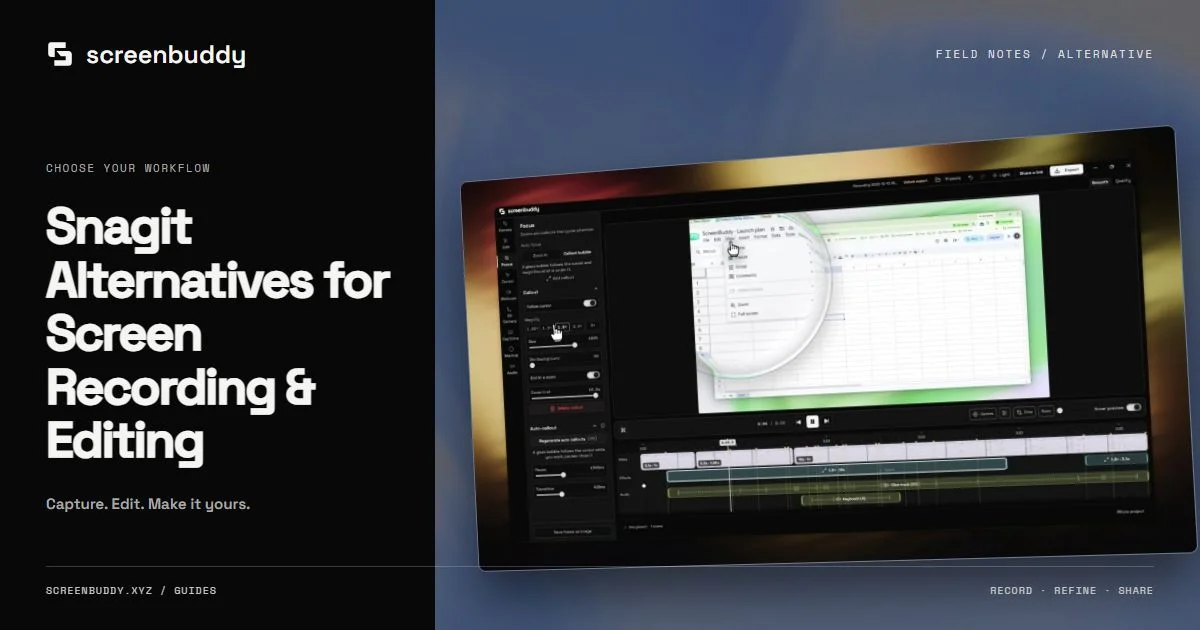
ScreenBuddy begins where a raw capture is technically correct but still unreadable. It records the screen, a window, or a region, then generates zoom keyframes from the positions you actually clicked and leaves every one of them editable: move it, retime it, change how long it holds, set magnification between 1.25x and 5x, or delete it. Spotlight darkens the frame around the one control you are naming; lightbox pushes the whole interface back so a single element reads first. Either way a small toggle becomes legible without cutting away from the screen it lives on. Effects cannot fix a walkthrough that explains the wrong thing. They do fix the most common failure in screen video, which is a viewer who never located the element you were describing.
- Auto-zoom from recorded clicks, plus manual zoom points anywhere on the timeline
- Cursor scaling and path smoothing, rendered with real macOS cursor art
- A choice of 18 gradient backgrounds, with padding, corner radius, and shadow controls
- 3D device frames with per-layer tilt and eased camera paths
- Text annotations, whole-video crop, trim, and background music
- Local AI captions, with generation currently limited to Apple-silicon Macs, and MP4 or GIF export
Snagit’s recorder versus a demo editor
Snagit’s video side is built to capture and cut. That is enough when the clip is evidence: a bug reproduction, a quick answer to a teammate, a GIF dropped into a thread. It stops being enough when the clip is marketing, because marketing needs pacing decided after the fact — dead time removed, an important click held a beat longer, emphasis placed where a stranger’s eye would not go on its own. TechSmith’s own answer to that gap is Camtasia rather than a larger Snagit, which is a fair signal about how the two products are scoped. The verified price for Camtasia’s current plan appears in the snapshot further down this page, not in this sentence.
Check platform and hardware limits on both sides
ScreenBuddy supports macOS 12 or later and 64-bit Windows 10 or later. Editor mode is the cross-platform workflow; Instant mode is currently macOS-only, and caption generation happens on the device and currently needs an Apple-silicon Mac. There is no Linux build, no mobile capture, and no browser version. Snagit is currently sold for both desktop platforms, but its two builds have not always carried identical capabilities in the same release, so look up the specific feature you depend on in TechSmith’s current system requirements and release notes instead of assuming parity. A single Intel Mac or Linux machine in the group can end up deciding the tool for everyone around it.
Sharing, hosting, and what stays on your machine
TechSmith’s current store bundles a limited Screencast hosting allowance with Snagit plans, so a capture can become a link without leaving the app. ScreenBuddy has no equivalent. It processes media on the device and hands back a file, and publishing is whatever you already use: a docs page, a release note, a landing page, a social post. That is a real loss when your review loop lives on hosted comments, and a real gain when the recording contains a customer account, an internal dashboard, or an unreleased feature. Activation and update checks still require internet access.
- ScreenBuddy trial: Record, edit, and preview free. A one-time license is required to save or export.
- No hosted links, viewer analytics, comment threads, or shared capture library
- Exports land as local MP4 or GIF files that you publish through your own channels
Subscription access versus a license you keep
Snagit appears on TechSmith’s current store as a subscription, which changes the shape of the decision and not merely the number. Renewals keep the software working and keep you current, while a lapse ends access to a tool your team already learned. ScreenBuddy sells a one-time license instead, so the cost lands once and the application keeps opening whether or not you buy anything again. The current one-time license includes future updates, with no monthly or annual subscription. Which model costs less depends on seats, how many years you expect to keep the tool, and whether you will be paying for a capture utility alongside a video editor regardless. Vendor terms move faster than articles do, so read the official pages below before committing a team either way.
The two-tool split most teams settle into
A hybrid workflow is often the honest answer, and it is not a failure of either product. Snagit or another capture utility keeps the still work: procedures, redacted screens, anything a reader will scan. The video editor takes the artifacts people watch: launch clips, feature explanations, onboarding, the GIF in a pull request. What makes the split work is one written rule about which tool owns which artifact. What makes it fail is paying for two overlapping tools while every deliverable still runs through whichever one happens to be open.
- Mostly stills and procedures: keep the capture tool and stop shopping
- Mostly watched artifacts: a focused demo editor earns its place
- Both every week: budget for two tools and name which one owns which artifact
An afternoon test that settles it
Pick something you shipped recently and build it twice: a numbered screenshot guide, and a forty-five-second video of the same task. Then write down four observations. How long each version took from capture to publishable file. Whether a stranger could finish the task from each one without asking a follow-up question. How many corrections the automatic zoom pass needed. Whether the export matched what the destination actually accepts. None of that appears on a comparison table, and the results are usually lopsided enough that the choice stops feeling like a judgment call.
Current competitor snapshot
Camtasia · Essentials
$179.88/yearBroad screen recording and video production with a full-featured editor and training-content workflow.
Best fit: Teams and educators who need a deeper general-purpose editing environment and collaborative web workflow. Tradeoff: The broader production surface can be more than a focused product-demo workflow requires.
Platforms: macOS, Windows, Web · Verified Jul 15, 2026
Frequently asked questions
Is Snagit still sold as a one-time purchase?
No. TechSmith’s current official store presents Snagit as a subscription rather than a perpetual license, and its plans include a limited Screencast hosting allowance. Legacy maintenance customers and education buyers have historically been offered different terms. Commercial terms change without notice, so confirm the current arrangement on the official store page rather than trusting a comparison written earlier.
What is the best Snagit alternative for Mac?
It depends on which half of Snagit you use. For screenshots, scrolling capture, text recognition, and markup, a Mac capture utility such as CleanShot X, or Apple’s built-in Screenshot app, covers most of the job. For recordings that have to become polished video, ScreenBuddy is the focused fit: editable auto-zoom, spotlight, lightbox, framing, trim, and local MP4 or GIF export. Few single tools cover both halves as well as Snagit does, which is why a two-tool setup is common.
Is the Mac build of Snagit the same as the Windows build?
Treat that as something to verify per feature rather than as a general rule. TechSmith ships Snagit on both desktop platforms, but the two builds have not always carried identical capabilities in the same release. Look up the specific capability you depend on in TechSmith’s current system requirements and release notes before standardizing a team on either platform.
How should I compare a subscription against a one-time license?
Price the tier that actually carries the capability you need, multiply it by the number of years you realistically expect to keep using the tool, then multiply by seats. Add the second tool you will keep paying for if one product cannot cover both your screenshot and your video work. The snapshot above carries a verified figure for Camtasia; Snagit’s current terms live on TechSmith’s official store, and ScreenBuddy’s live pricing card shows the current one-time offer.
Can a Snagit alternative add zoom effects to a recording?
Snagit’s video side is oriented around capture and trimming rather than emphasis effects. ScreenBuddy generates zoom keyframes from the clicks recorded during capture and keeps each one editable on the timeline — move it, retime it, set magnification between 1.25x and 5x, or delete it — and manual zoom points can be added anywhere. Camtasia is the deeper video editor in TechSmith’s lineup. Check each product’s current documentation before assuming a specific behavior.
Does ScreenBuddy capture screenshots or scrolling pages?
No. It records and edits video: screen, window, or region capture, then a timeline for zoom, spotlight, lightbox, annotations, framing, crop, trim, and MP4 or GIF export. There is no screenshot capture, no scrolling capture, no text recognition, and no capture library, so keep a dedicated utility for still work.
Can I evaluate ScreenBuddy before buying?
No card. Record, edit, and preview free. A one-time license is required to save or export.
Record once. Direct attention in the edit.
ScreenBuddy runs on Mac and Windows. Record, edit, and preview free. A one-time license is required to save or export. Media processing stays on your device, while activation and update checks require internet access.