
 Guide
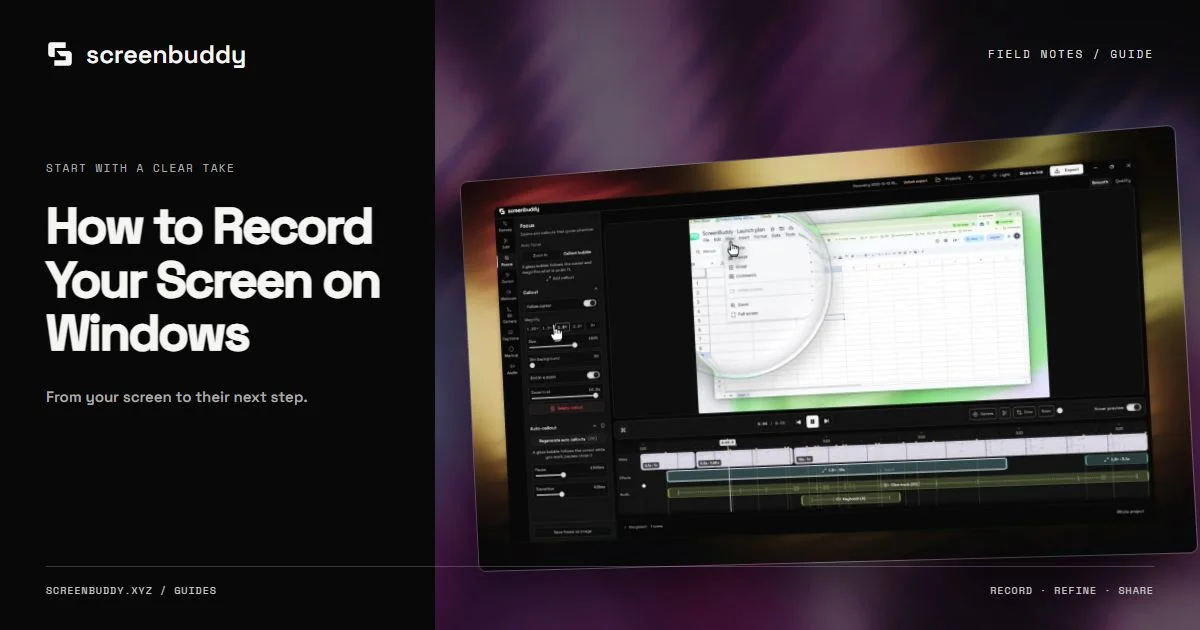
GuideHow to Record Your Screen on Windows
Record your Windows screen, window, or a selected area. Check audio, use the recorder HUD, edit zoom and captions, then export a clear tutorial or demo video.
Updated Oct 14, 2026 · 4 minStart with Windows capture, microphone and system sound, readable zoom, and local export. These guides explain the published 1.8.0 workflow and its editing controls. Mac recording guides remain available for Apple silicon users.
Choose a workflow around the recording you need: a tutorial, a lesson, a support reply, or a software walkthrough. Start with a readable capture and add editing where it makes the next step clearer.
Curated from the ScreenBuddy content registry · Updated
GuideRecord your Windows screen, window, or a selected area. Check audio, use the recorder HUD, edit zoom and captions, then export a clear tutorial or demo video.
Updated Oct 14, 2026 · 4 min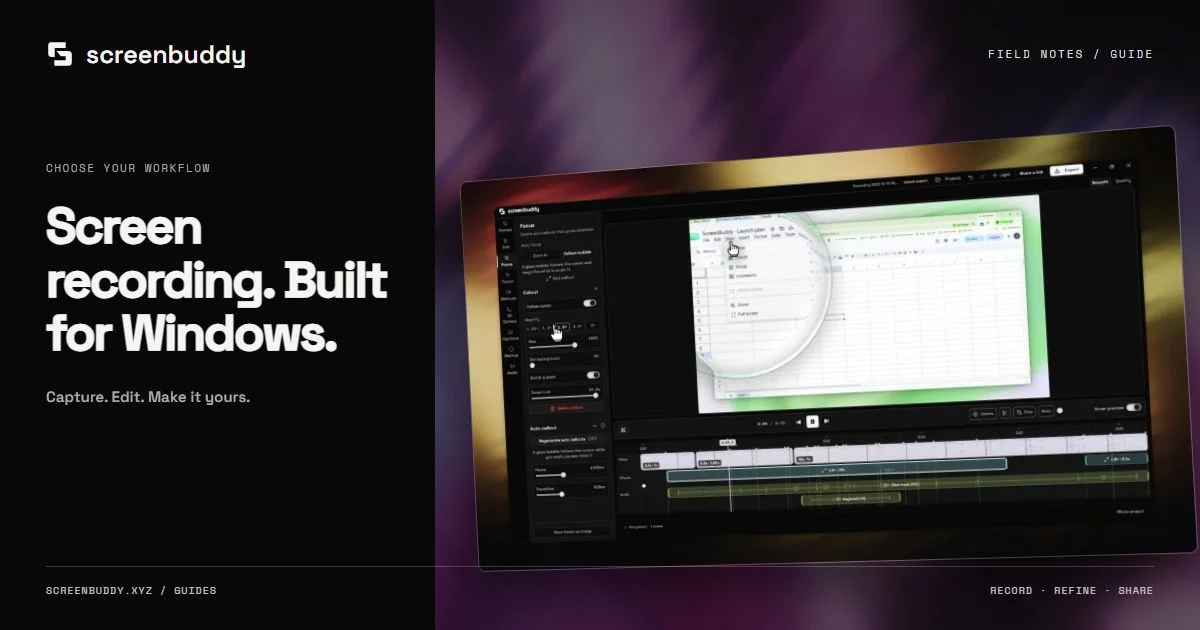 Guide
GuideChoose a Windows screen recorder for your actual task: built-in capture, OBS streaming, or ScreenBuddy editing with zoom, captions, and local MP4 or GIF export.
Updated Oct 14, 2026 · 4 min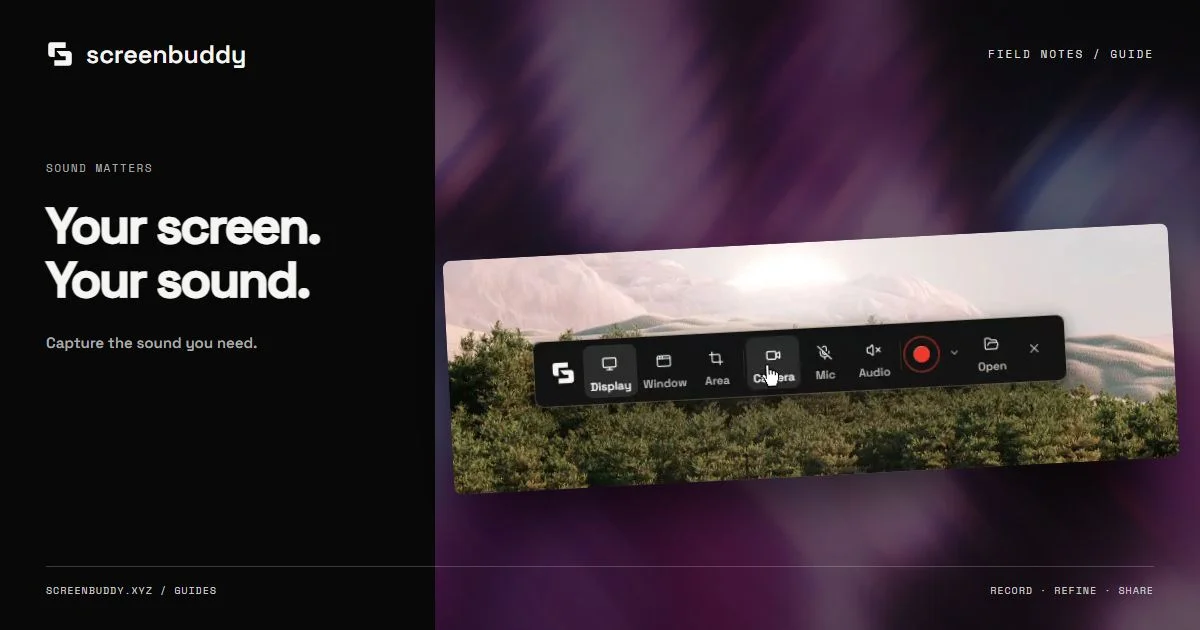 Guide
GuideRecord a Windows app with microphone narration and supported system sound. Test capture sources, avoid echo, balance audio, and export a video you can verify.
Updated Oct 14, 2026 · 4 min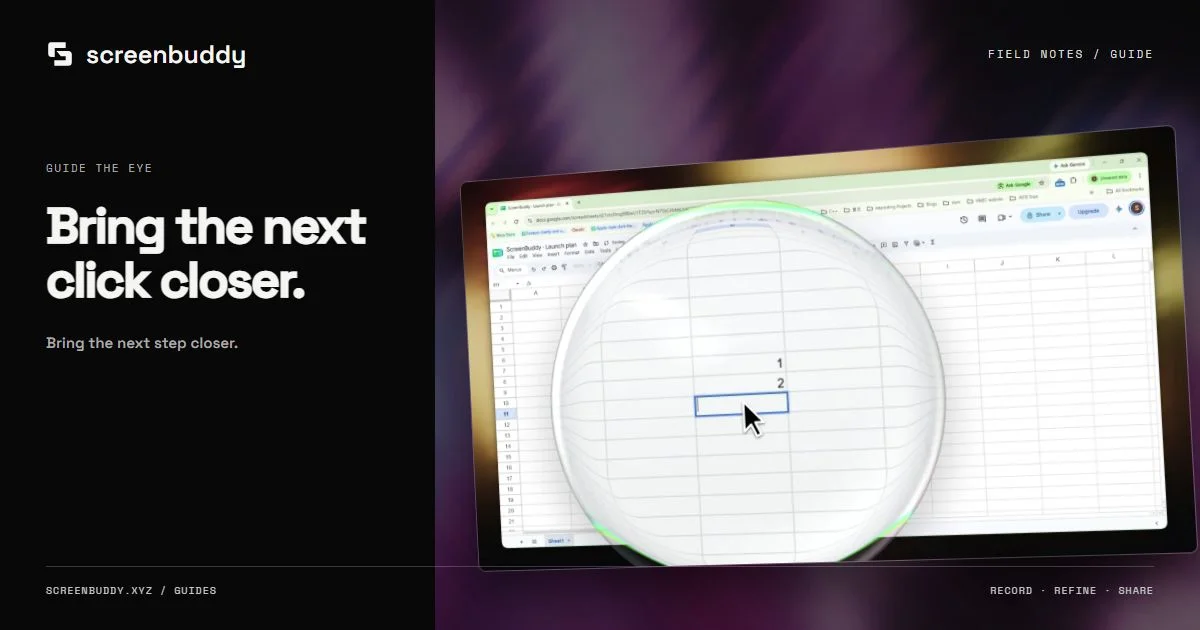 Guide
GuideUse automatic zoom and cursor callouts to make Windows recordings readable. Adjust timing, preserve context, and review Focus controls in the 1.8.0 release.
Updated Oct 14, 2026 · 4 min Guide
GuideKeep Windows screen recordings sharp from capture to export. Choose readable framing, match output size and frame rate, and understand 1.8.0 4K capture limits.
Updated Oct 14, 2026 · 4 min Guide
GuideTurn a Windows screen recording into a 9:16 video for TikTok, Reels, or Shorts. Fill the portrait frame, stack the webcam, and keep captions inside margins.
Updated Oct 17, 2026 · 5 min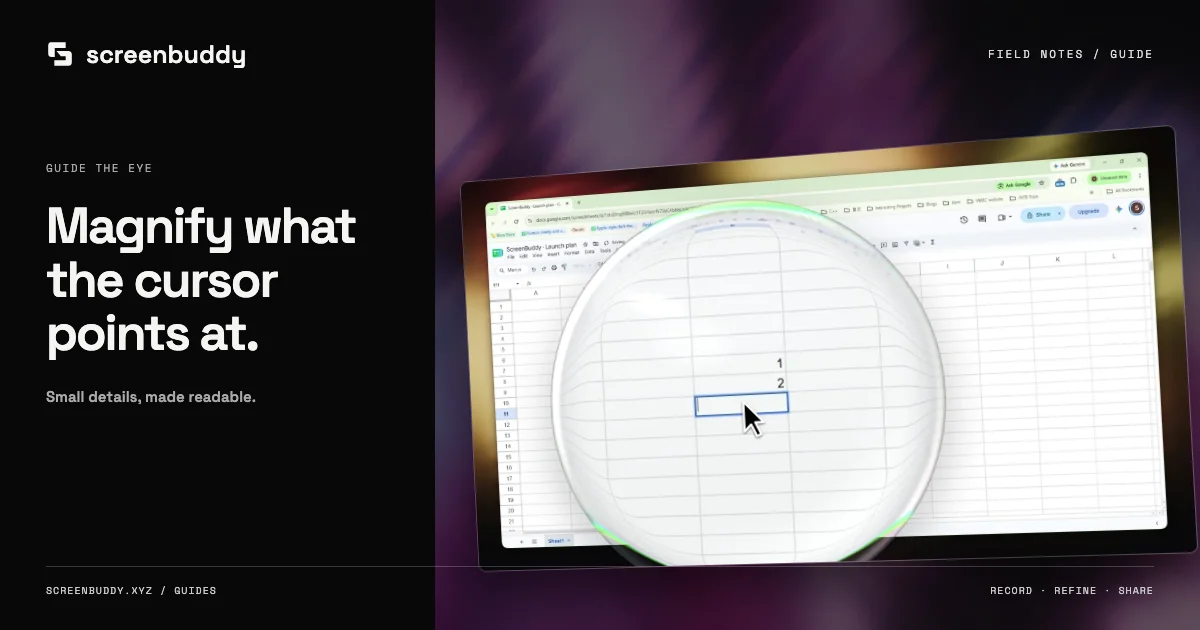 Guide
GuideAdd a magnifying callout bubble that follows the cursor in a Windows screen recording. Set magnification and size, and choose between a callout and a zoom.
Updated Oct 17, 2026 · 5 min Guide
GuideRecord your screen on Windows, polish it, and send an unlisted link instead of a large file. Compare link sharing in ScreenBuddy and Loom, with real limits.
Updated Oct 17, 2026 · 5 min Guide
GuideRecord a selected area on Mac with Shift-Command-5 or QuickTime. Follow the steps, find a missing file, fix microphone settings, and keep the result readable.
Updated Oct 14, 2026 · 3 min Guide
GuideCompare ways to record Mac system audio with native capture, virtual audio devices, and desktop recorders. Check permissions and audio sources before a take.
Updated Oct 14, 2026 · 4 min Guide
GuideEdit a Mac screen recording with QuickTime trimming or ScreenBuddy focus, captions, and privacy covers. Follow current controls and verify the exported video.
Updated Oct 14, 2026 · 4 min Guide
GuideScreen record on Mac with microphone and system audio. Compare current Screenshot options, OBS, BlackHole, and ScreenBuddy, then test your audio sources.
Updated Oct 14, 2026 · 3 min Guide
GuideConvert a WebM screen recording to MP4 with trusted desktop and command-line tools, without uploading private video to a conversion service you cannot vet.
Updated Oct 14, 2026 · 3 min Guide
GuideWhat actually separates the macOS capture shortcut, QuickTime, browser recording, and dedicated apps, so you pick once instead of re-deciding every recording.
Updated Oct 14, 2026 · 3 min Guide
GuideConvert common and NTSC frame rates to milliseconds per frame, then follow a tested 60-to-30 fps calculator workflow to compare frame counts and clip length.
Updated Oct 9, 2026 · 4 min Feature
When automatic zoom helps a Mac screen recording, how to keep it from becoming camera churn, and when setting the keyframes yourself gives a clearer result.
Updated Oct 9, 2026 · 6 min Use Case
Choose a screen recorder for educators on Mac. Plan clear lessons, record audio, review captions, and publish reusable tutorials with this practical guide.
Updated Oct 9, 2026 · 9 minRecord your screen on Windows or Mac with optional microphone and webcam. Trim pauses, adjust zoom, and review captions before exporting a local video. Record, edit and export free with a watermark. Subscribe to remove it and share links.