
ORIGINAL EXPERIMENT · 16 OCTOBER 2026
MP4 vs GIF for screen recordings
One ten-second spreadsheet walkthrough. Three matched settings. Six files you can inspect.
In this sample, GIF files were 13.1–17.5× larger than H.264 MP4 files at matching dimensions and target frame rates.
This is a file-delivery experiment using ScreenBuddy footage. It measures encoded bytes for one clip and these settings. It does not measure app export speed or establish equivalent visual quality.
Inspect the same excerpt
MP4 · 160,123 bytes · 10.00 seconds · 120 frames
Download this MP4 fileSilent visual example. The action opens a spreadsheet menu and moves through the worksheet while the view zooms toward the controls. GIF timing is quantized to centiseconds; the 8 fps GIF lasts 10.01 seconds.
Measured file sizes
| Dimensions | FPS | MP4 | GIF | GIF / MP4 |
|---|---|---|---|---|
| 480 × 270 | 8 | 0.14 MB | 1.81 MB | 13.1× |
| 480 × 270 | 12 | 0.16 MB | 2.54 MB | 15.8× |
| 720 × 406 | 12 | 0.27 MB | 4.76 MB | 17.5× |
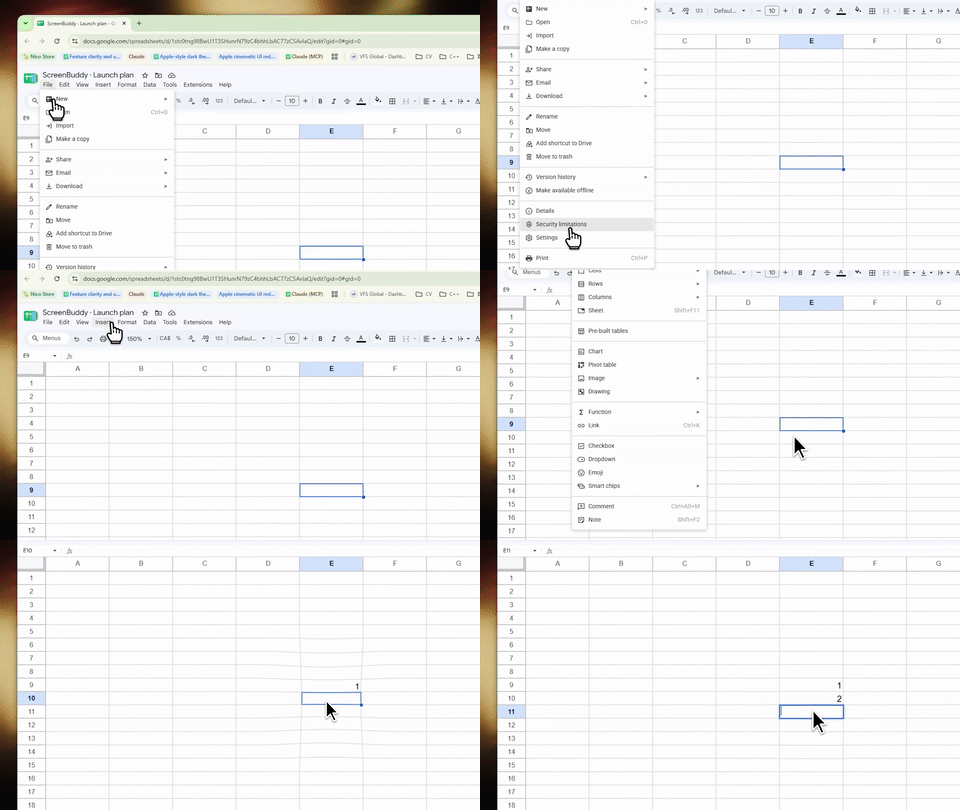
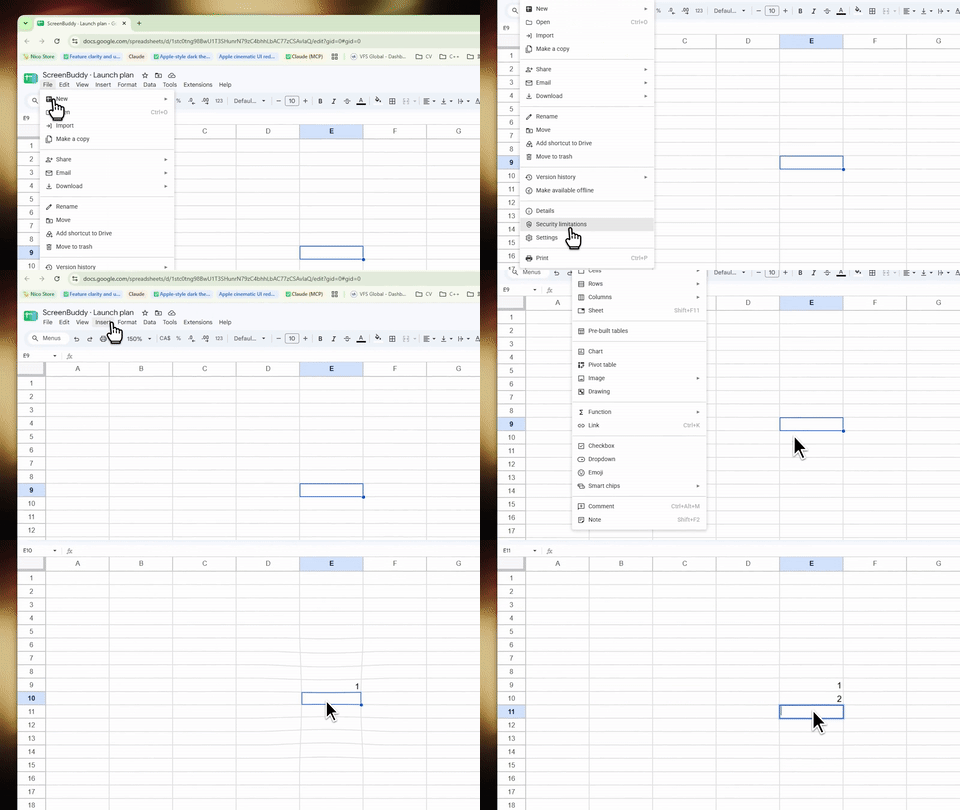
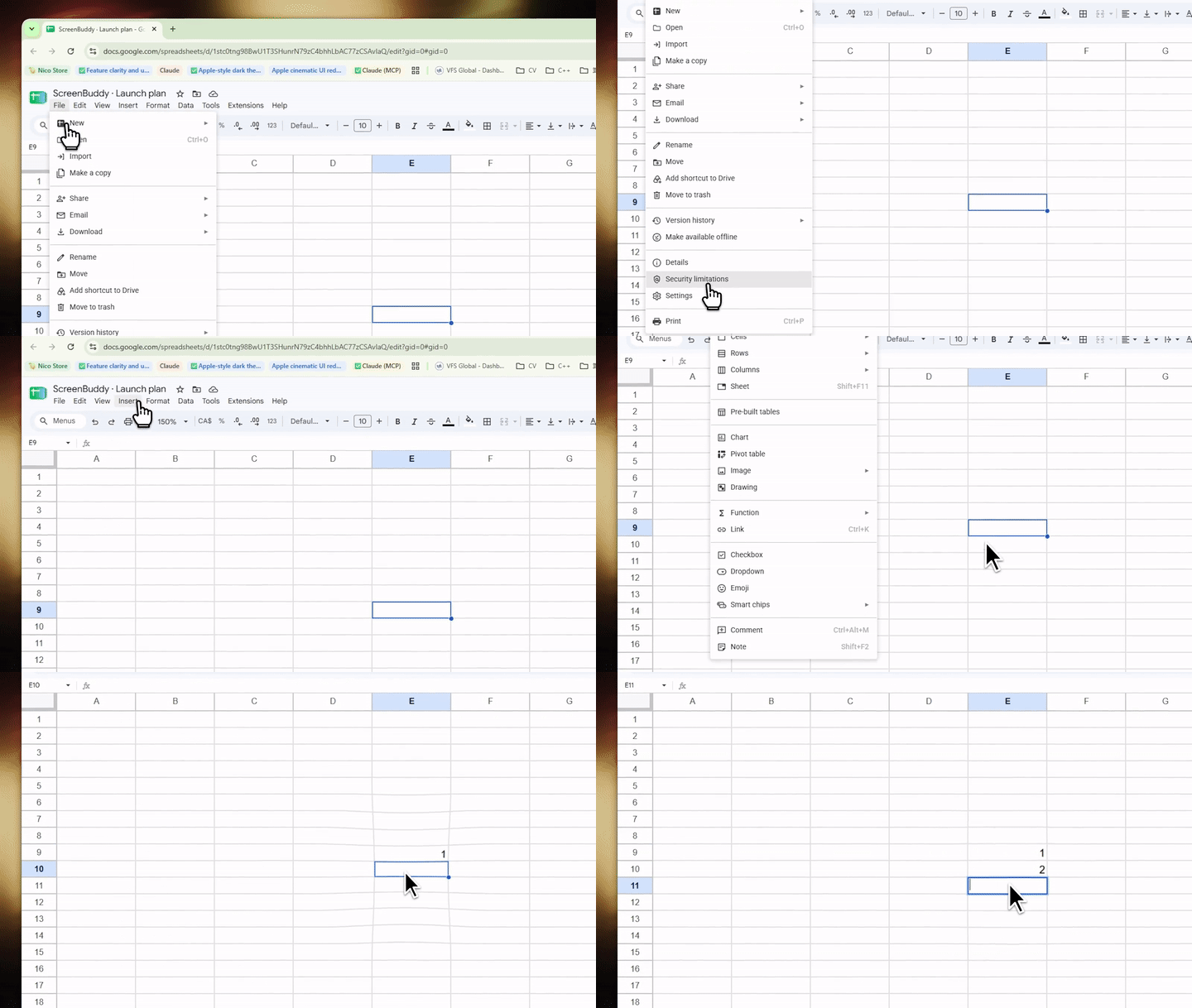
At 480 × 270 and 12 fps, the MP4 is 160,123 bytes; the GIF is 2,536,547 bytes. Choose a small MP4 where a video player is supported. A short GIF can still be useful where a looping image is the supported format.
Method and limits
The source is a Google Sheets screen recording supplied for the October 2026 Windows demo refresh. Every encode uses seconds 2–12 of that same web-sized recording. There is no audio. This is a re-encode of an existing demo, rather than a capture or export benchmark.
- MP4: H.264 libx264, CRF 23, slow preset, yuv420p, fast-start; no audio.
- GIF: 256-color palette, diff palette statistics, Sierra 2-4A dithering, rectangle difference mode; no audio.
- Lanczos; matching dimensions and target frame rate within each pair. The 720-pixel version uses an even height of 406 for H.264 compatibility.
- Sizes come from the actual files. Durations come from MP4 track metadata and GIF frame delays. Source and output SHA-256 hashes are included in the data.
GIF’s palette and dithering and H.264’s lossy encoding produce different visual results. Matching dimensions and frame rate does not match quality. The sizes depend on the content, motion, encoder version, and settings; these ratios should not be generalized to every recording.
ffmpeg version 6.1.1-essentials_build-www.gyan.dev Copyright (c) 2000-2023 the FFmpeg developers
Download measurements and hashes · Encoding script · Reproduction instructions
ScreenBuddy on Windows in 20 seconds
A short editorial reel from the supplied Windows recordings: automatic zoom, a cursor callout, and the actual 3D camera editor. These are ScreenBuddy workflows; the format experiment above uses FFmpeg to compare delivery files.
Download the 20-second MP4 · Full demos and current product facts