
How to Create a Product Demo for X
Plan a product video for X that shows the outcome in the first second, crops readably for the feed, works with the sound off, and points at a clear next step.
Quick answer
A product demo for X should reveal the outcome immediately, remain understandable without sound, keep interface text readable in the feed, and end with one clear next action. Record one feature, remove setup time, use zoom or spotlight only where the UI would be missed, and test the final post on a phone before publishing.
Best for
- SaaS launch posts and compact feature announcements
- Before-and-after product proof with one obvious payoff
- Founder-led posts that can answer questions in the replies
Not the best fit for
- A full product tour or long training lesson
- Tiny desktop UI shown without crops or attention effects
- A video whose meaning depends entirely on narration
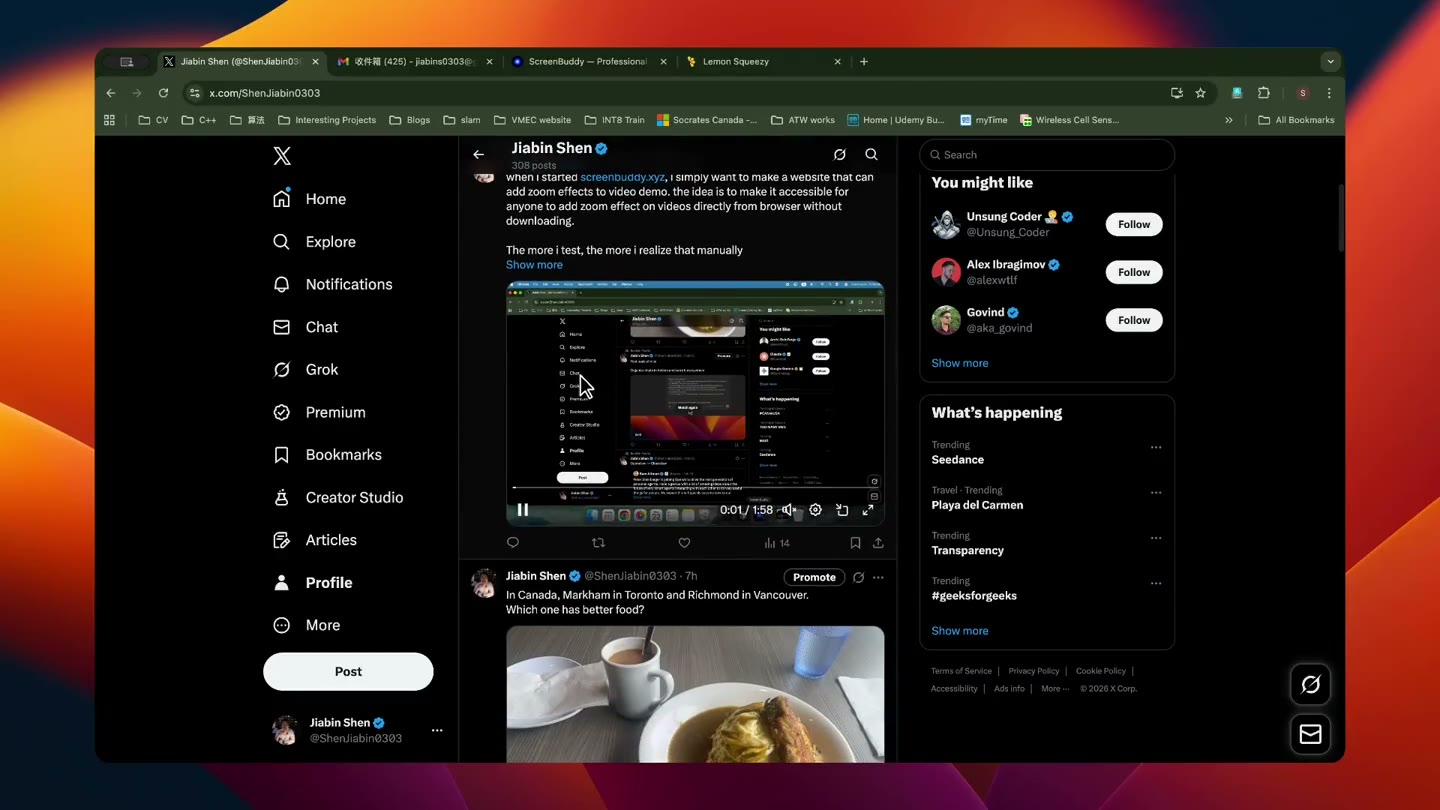
Open on the result, not the setup
The first visible moment should show the problem, payoff, or most differentiated interaction. Remove login, navigation, and cursor positioning unless they are part of the product value. A short title can frame the result, but the interface should prove the claim quickly rather than making the viewer wait for an introduction.
Record for a small player
Increase application scale, use realistic but clean data, and keep the important interaction near the crop-safe center. Preview the edit at phone width. Use zoom for a small control, spotlight when context still matters, and lightbox when one state change needs maximum contrast. Avoid camera movement that competes with the cursor.
Make silence a supported viewing mode
Many people encounter a feed video before choosing to enable sound. The visual sequence should still communicate the task and result. Add concise captions or annotations for context, but do not cover the interface. If narration adds personality, treat it as an enhancement rather than the only carrier of meaning.
Write the post and video as one asset
The post should name the audience or problem, while the video demonstrates the claim. End with one action: try the product, read the launch page, join the waitlist, or reply with feedback. Use a campaign-tagged destination so the team can connect views and clicks with trials or signups instead of judging the clip only by impressions.
Verify current X upload rules before export
Platform limits and encoding behavior change. Check X’s official video help before choosing duration, dimensions, file size, and codec. Keep a high-quality master locally, then export or transcode a platform-specific copy. ScreenBuddy can prepare the visual edit and local file; X controls the final upload and playback behavior.
Frequently asked questions
How long should an X product demo be?
Use the shortest video that proves one outcome. Many feature clips can communicate in roughly 15 to 45 seconds, but clarity matters more than a fixed length.
Should the video be vertical?
Choose based on the interface and campaign. Square or vertical can occupy more feed space, but horizontal may preserve a desktop product more clearly. Preview the actual crop on mobile.
Does the video need captions?
It should be understandable without sound. Concise captions or annotations help when narration contains necessary context.
Can I export the X video during the ScreenBuddy trial?
No. Record, edit, and preview free. A one-time license is required to save or export.
Turn the real recording into the launch video.
ScreenBuddy is a desktop studio for launch and product demo videos, on Mac and Windows. Order the scenes into a story, apply titles that follow your brand kit, and aim a physically modelled lens at the moment the product wins — every frame from footage of the real thing, never a generated impression of it. Record, edit, and preview free. A one-time license is required to save or export. Media processing stays on your device, while activation and update checks require internet access.