
Native desktop capture
Record your screen and microphone without sending the footage to a browser-based editor.
Record on macOS, direct attention with auto-zoom, spotlight, and lightbox, then edit and preview locally before you decide to export.
No card. Record, edit, and preview free. A one-time license is required to save or export.
macOS 12 or later · Apple Silicon and Intel · Editor mode and Instant mode
Record your screen and microphone without sending the footage to a browser-based editor.
Use Editor mode for timeline control or macOS-only Instant mode for a faster prepared workflow.
Recording and editing stay on your Mac; internet is used for activation and update checks.
Know before downloading: Instant mode is available on macOS. A one-time license is required to save or export.
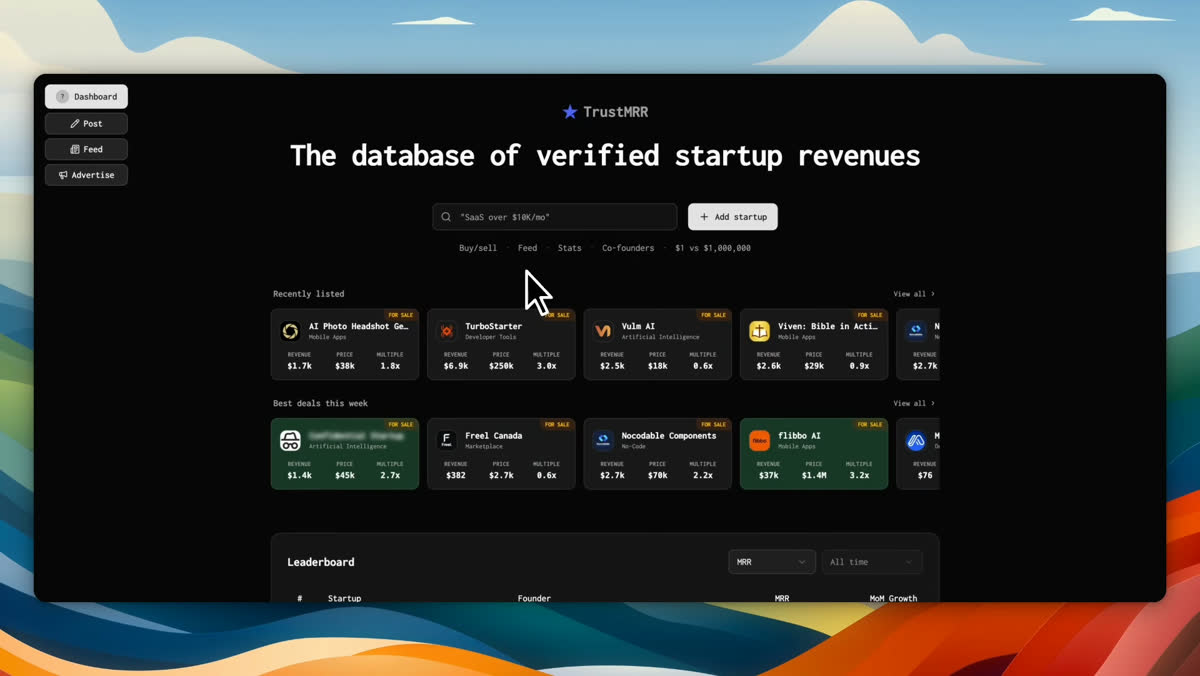
Real founder-created examples using the current ScreenBuddy media workflow.
Landing pages and launch posts
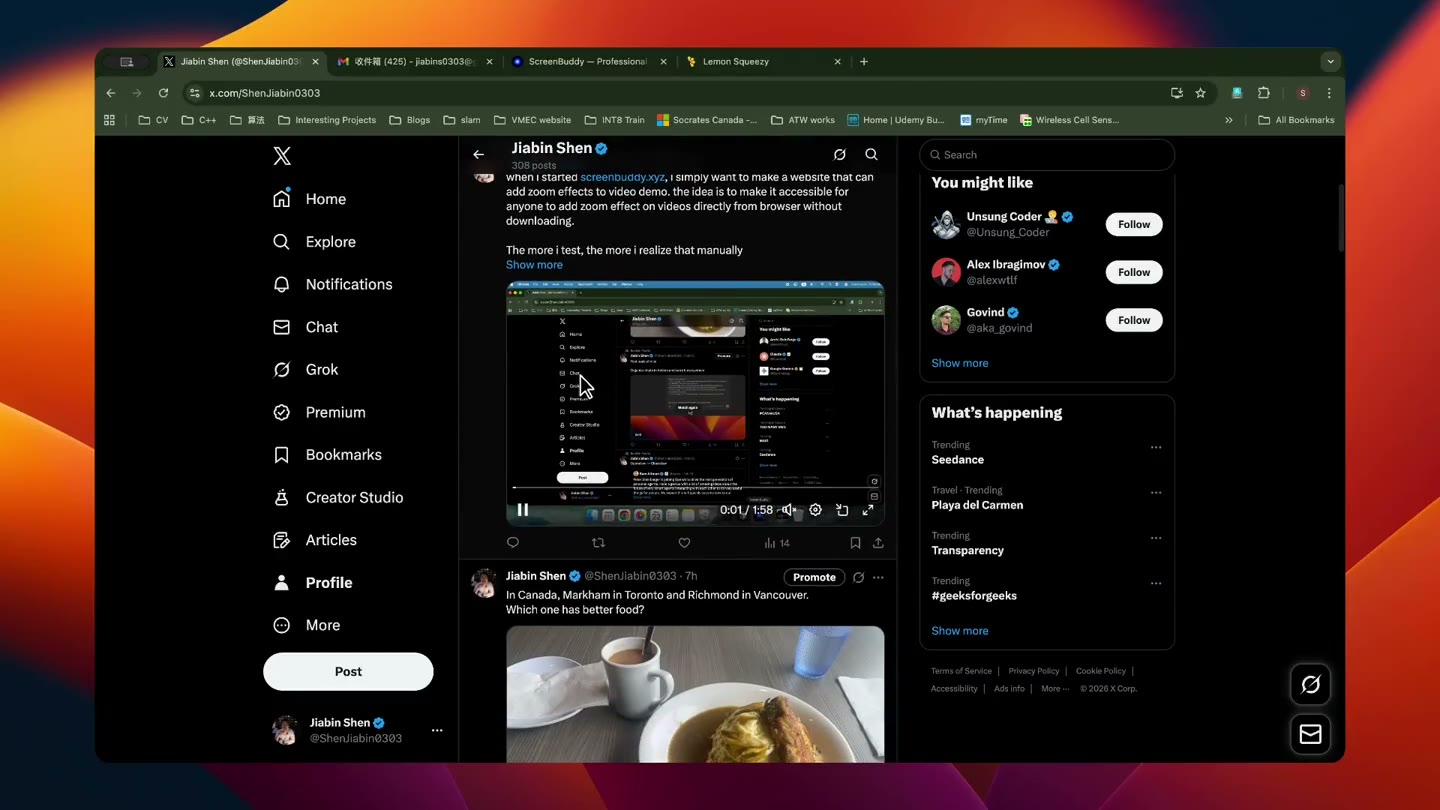
Social feeds and team channels
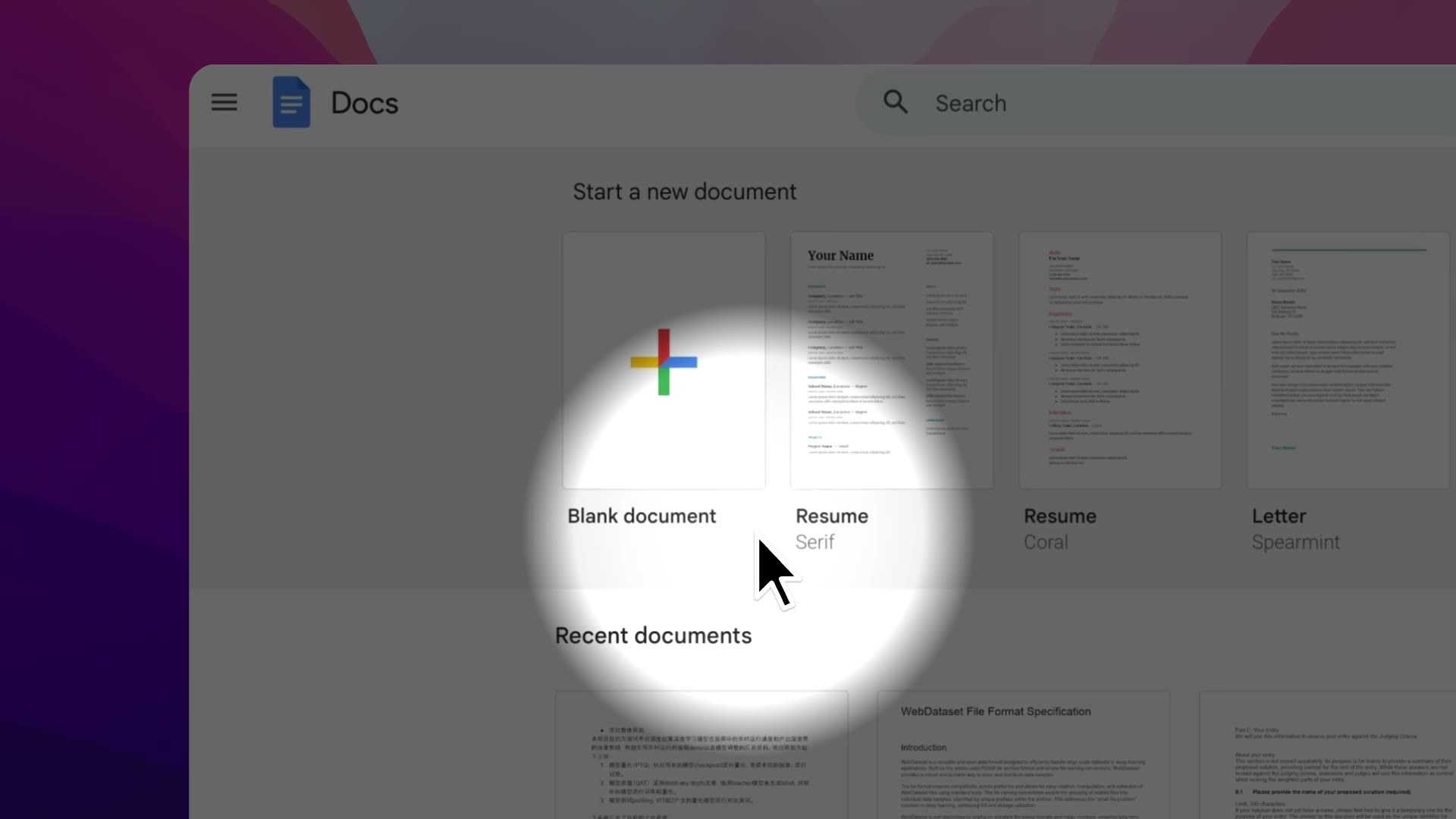
Short-form tutorials and updates
Show one feature clearly on a landing page, launch post, or release announcement.
Create focused walkthroughs that keep controls and next steps readable.
Export a short MP4 or GIF for a help article, GitHub README, or internal guide.
Record, edit, and preview free. A one-time license is required to save or export. The current one-time price is $29.99 — no subscription.